
Table Maker
A feature-packed clan war table maker! If needed, table commands can be disabled through your server's config settings.
Overview
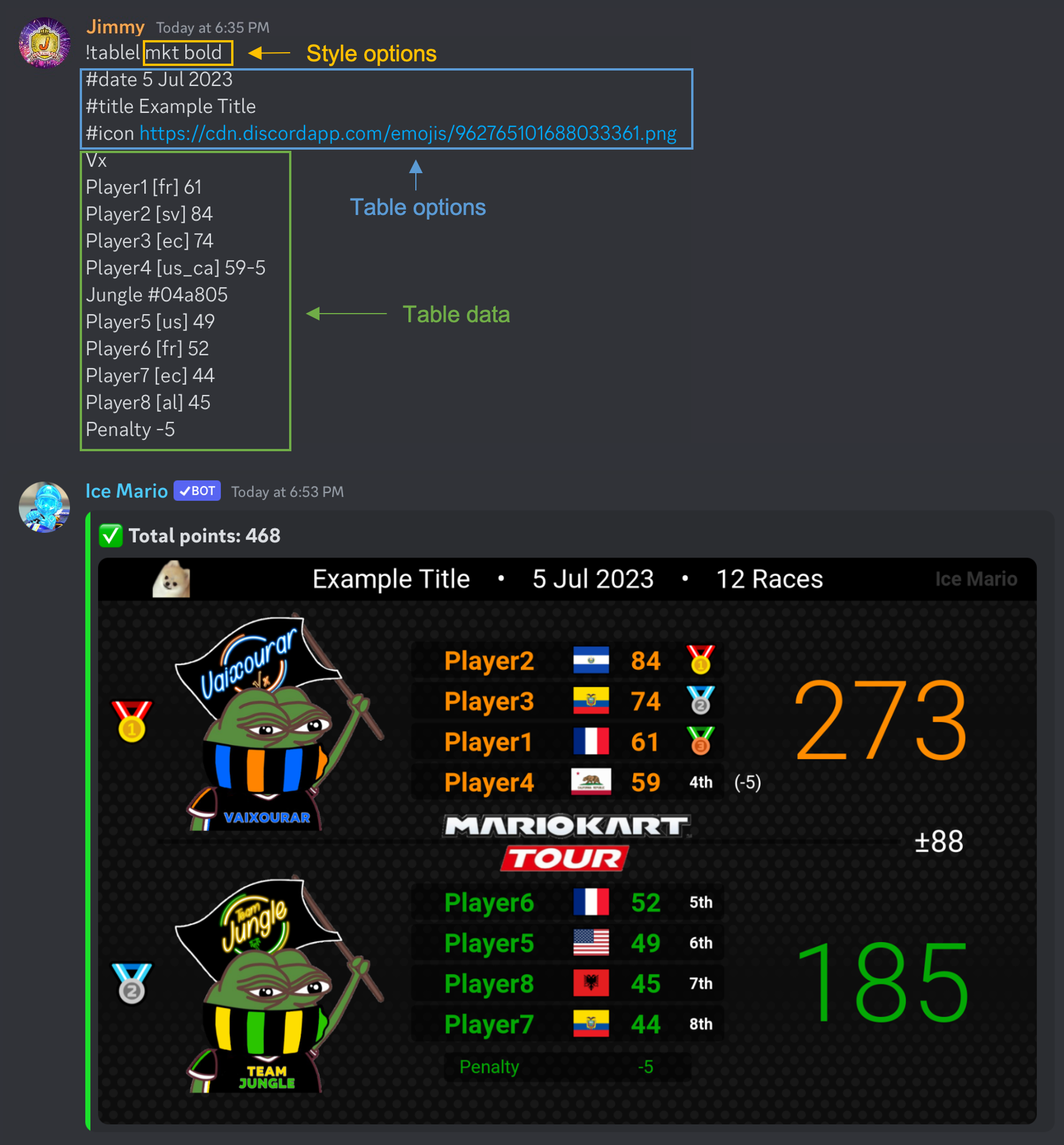
			!table [style options]

			[table options]

			[table data]
!tablel
To add team logos, use !tablel instead of !table, and if a team has a logo but the color is not set, the text will be white by default. Alternatively, you can use an image url in place of a team's name to use a logo without needing to first add it with !logoadd.
[style options], [table options], and [table data] are explained below under specifics.
Click here to learn more about adding custom logos, and click here to learn more about custom flags.
Specifics
style options: Optional style modifiers. These include tournament themes and general style options. All style options should be written on the top line, separated by a space.
Tournament themes
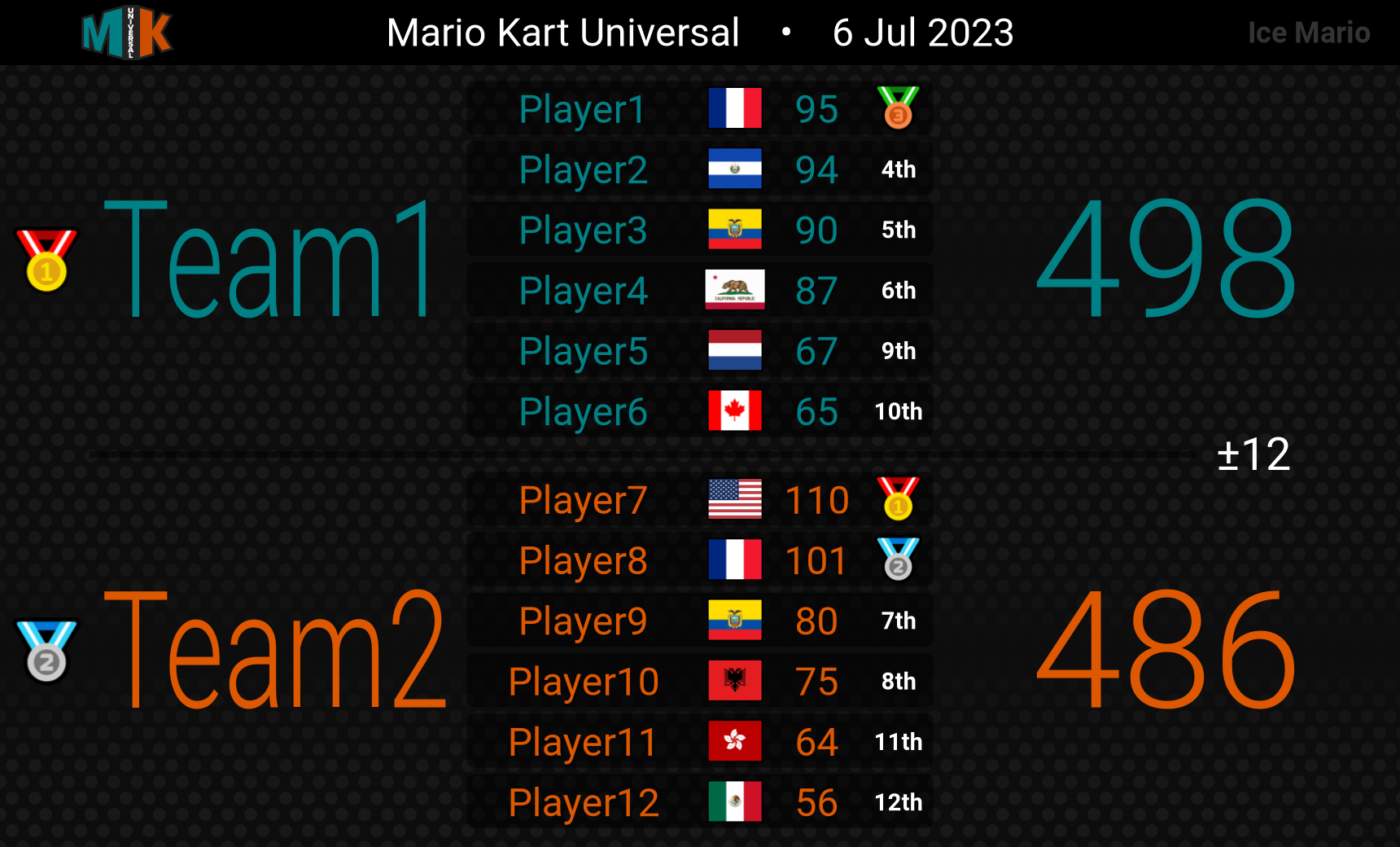
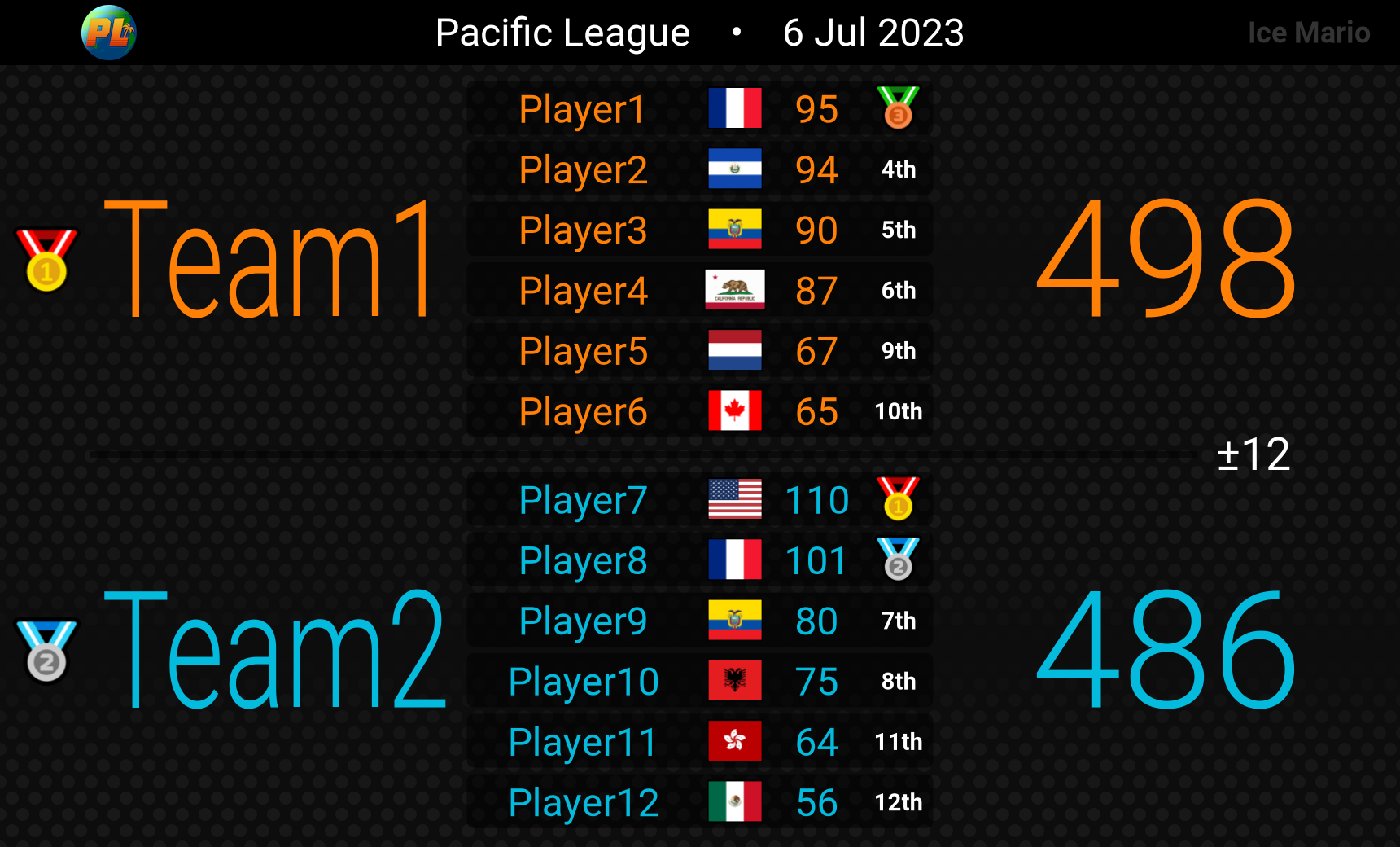
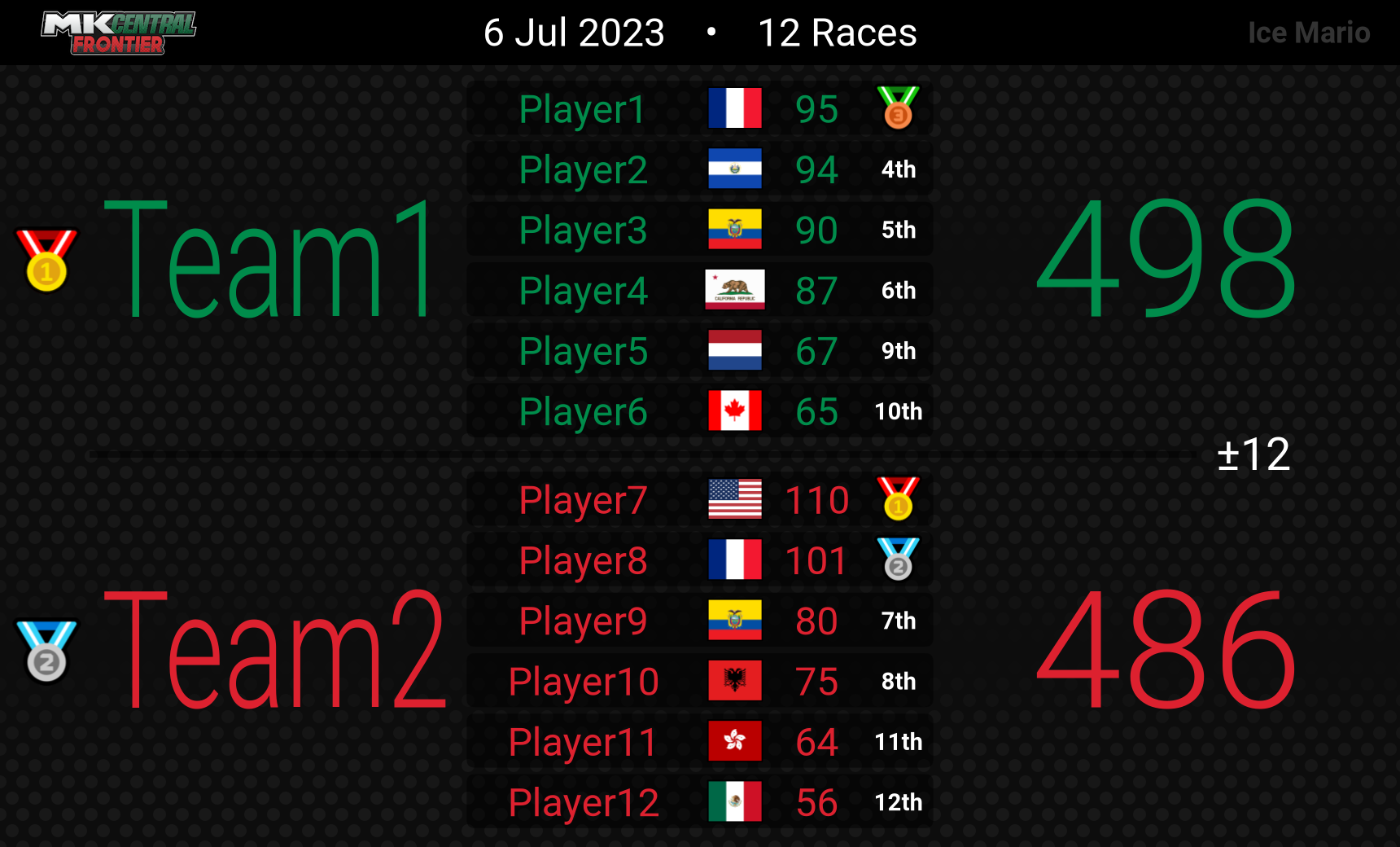
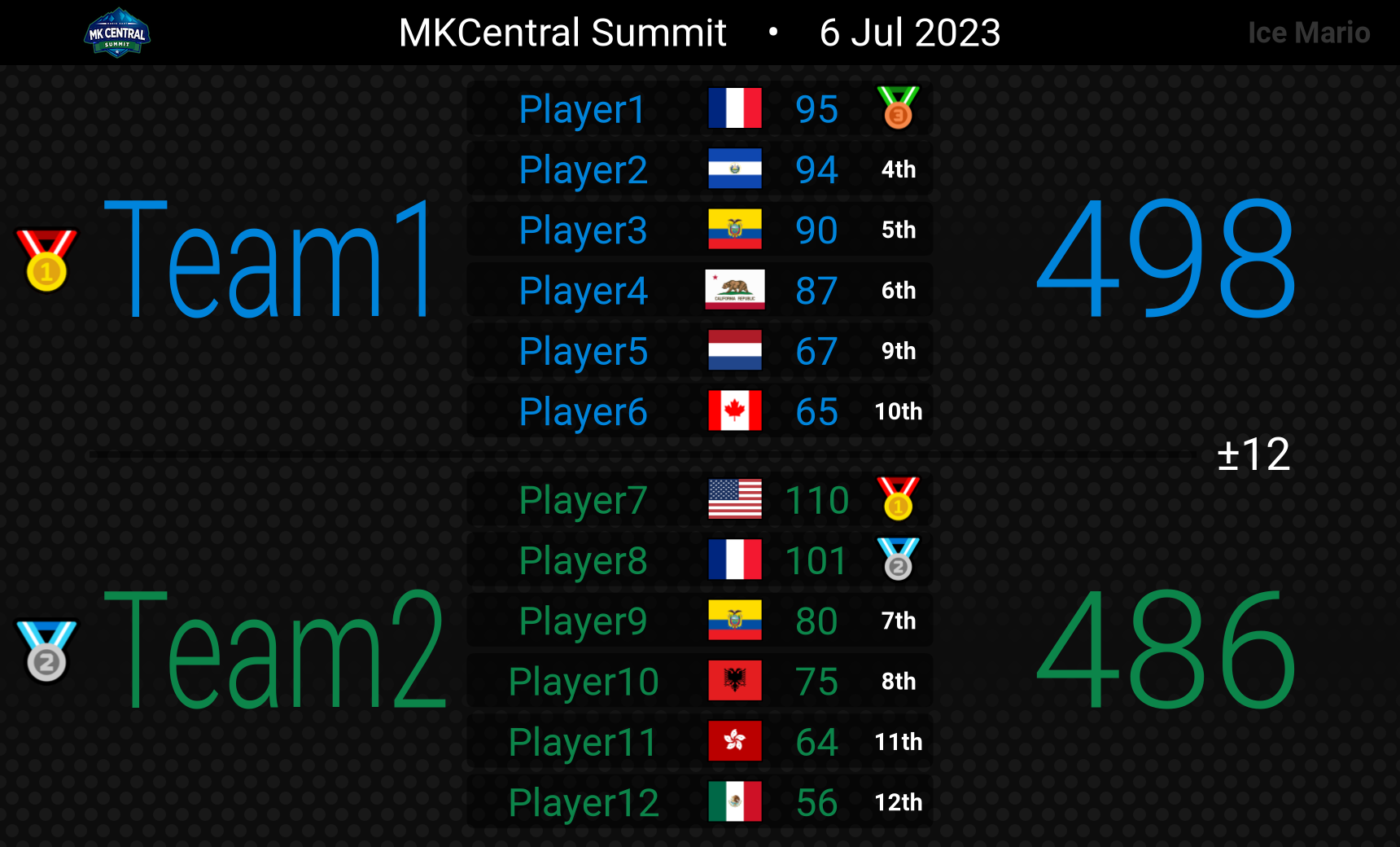
There can only be one tournament theme selected.cwl: Clan War League table (MKT)cyclone: Cyclone table (MKT)sw: Survival War table (MKT)wc: MKT World Cup table (MKT)mku: Mario Kart Universal table (MK8DX)pl: Pacific League table (MK8DX)mkcf: MKCentral Frontier table (MK8DX)summit: MKCentral Summit table (MK8DX)ldc: Low-Div Cup table (MK8DX)mdc: Mid-Div Cup table (MK8DX)100pc: 100 Point Cup table (MK8DX)paradigm: Paradigm table (MK8DX)al: Atlas League table (MKWorld)
General style options
light: Light mode. The background uses the clan's color with black text.mkt: Add the MKT logo in the middle of the table.cycloneandswwill automatically add it, unless you specifynomktnomkt: Don't add the mkt logo. This option can be used to force the table maker to not add the MKT logo.allbold: Make all the text bold.bold: Make only the player names and player scores bold. Kept for backwards compatability since allbold was added.nobold: Force all the text to not be bold.nodate: Hide the date. However, this will not be available if you are creating a tournament table.races: Force display the race count (ex. 12 Races) if the score is divisible by 39 or 82. Use this option if you are creating a tournament table, like mku, that does not show the race count by default.noraces: Hide the race count.noline: Hide the line separating the different teams. Useful if you are using a background image.bgfit: Forces the full background image to fit within the table. By default, without bgfit, the background will be scaled to fill the entire table. See example 7 and example 8 below to see what the background star looks like with and withoutbgfit.norankiconornriornorank: Disable the rank icons for the teams and players. For example, the table will display1stinstead of 🥇. norankicon is preferred, but norank is kept for backwards compatabilitynoclanrankorncr: Remove team ranks and rank icons. Nothing will be drawn for them.noclanrankiconorncri: Disable the rank icons only for the teams.noplayerrankiconornpri: Disable the rank icons only for the players.nologofontsornlf: Do not load fonts attached to logos from/logo add-or-edit
table options: Optional table modifiers. Each table option should be on its own line, and it should start with a #.
- Parameter descriptions:
<val>: A number between 0 and 1<color>: Either a single color (#FF0000) or a gradient (#FF0000 #0000FF /). The gradient direction is optional (default/). Here are the available directions:/: From bottom left to top right\: From top left to bottom right-: From left to right|: From top to bottom
#date <date>: Set the date on the header. The format should bedd mmm yyyy#title <title>: Set a custom title to the left of the date. You can add a dot•to separate words with a dot.#icon <url>: Set a custom icon image on the top left of the table#centericon <url>: Set a custom icon image in the center of the table#dotalpha <val>or#dotopacity <val>: 0: fully transparent, 1: fully opaque, Default: 0.55. Set the dot transparency.#dotcolor <color>: Set the dot color.#background <url>or#bg <url>: Set the background image. This allows you to use an image url instead of sending an image attachment when using the !table command. Note: the default table option values are dotalpha=0, and bgbright=0.7#bgbright <val>:0: all black, 1: full brightness, default: 0.7. Set the background brightness if a background image is being used.#bgalpha <val>or#bgopacity <val>: 0: fully transparent, 1: fully opaque, default: 1. Set the background opacity if a background image is being used.#bgcolor <color>: Set the background color. This will show behind an optional background image in case the image contains transparent pixels.#topcolor <color>: Set the top team's color, as well as every odd team if there are 3+ teams. This is different than setting an individual team's color since the top team will always be the #topcolor color.#bottomcolor <color>: Set the bottom team's color, as well as every even team if there are 3+ teams. This is different than setting an individual team's color since the bottom team will always be the #bottomcolor color.#textgradient <gradient>: Apply a single text gradient to the whole table like the 100pc and paradigm themes. If provided, this will override any clan specific colors.#bgplayercolor <color>or#bgpc <color>: Default: #000000. Set the background color behind each player.#bgplayeropacity <val>or#bgpo <val>: 0: fully transparent, 1: fully opaque, default: 0.5. Set the background opacity behind each player.#font <fontName>: Set the font for all the text on the table. A list of all the available fonts and font options are shown in the section below titled "Fonts".
clan options: Similar to the table options above, but these can be used for a specific clan. Clan options must be added below the clan's name and above the players within the command.
#font <fontName>: Set the text font for a clan. A list of all the available fonts and font options are shown in the section below titled "Fonts".#bgcolor <color>: Set the background color.#bgplayercolor <color>or#bgpc <color>: Default: #000000. Set the background color behind each player.#bgplayeropacity <val>or#bgpo <val>: 0: fully transparent, 1: fully opaque, default: 0.5. Set the background opacity behind each player.
table data: Here is an overview:
- The table data should start with the clan's tag and optional full name.
- Full team name: You can add the full team name below the abbreviation on the table by including a dash like so:
ABB - Full Team Name. - Team color: You can set the team's text color by including a hex color code, or gradient, to the right, like
#FF0000. This will override the colors if !tablel is used, but this will have no effect if a style option is used (such as cwl, cyclone, or mku). - To skip adding the logo when using !tablel, include a dash before the team name. For example,
-vxwill displayvxinstead of their logo. - Add logo from url: Instead of having to use
!logoadd, you can just use an image url in place of the team tag. This will allow you to add a temporary private logo since it won't show up when someone uses!listlogos. Note: this will only work if you are using!tableland not!table. - To not add a clan's tag/logo, Use either a dot (
.) or a single dash (-). - Optionally, add clan options below the team name, like fonts.
- Add player names below the team name, or below clan options if provided.
- Format:
PlayerName [Flag] Score. Adding a flag is optional. A list of standard country flags can be found here, and you can learn more about custom flags here. Regarding player scores, you can use addition to calculate them, like45+10+15. - To add a player penalty, use
score-penaltywithout a space. For example, if someone scored 80 points with a penalty of 10, use80-10. - To add more teams, simply add the next team's name below the previous team's last player.
- To add a team penalty, write
Penaltyfollowed by the penalty amount. For example, if a team has a penalty of 5, usePenalty -5.
table background: To set the table background with an image, attach an image to the command. Then, the default table option values are dotalpha=0, and bgbright=0.7. You can add the table option #bgbright 1 to make the background brighter, but it may cause some text to be harder to read.
Ice Mario will do its best to make sure the points add up correctly. If the total is between 400 and 500, it will make sure the points add to 468, and if the total is between 900 and 1050, it will make sure the points add to 984. Outside this range, Ice Mario will check to see if the total is divisible by either 39 or 82. If everything is correct, the table message will be green. Otherwise, there will be one or more warning messages.
Fonts
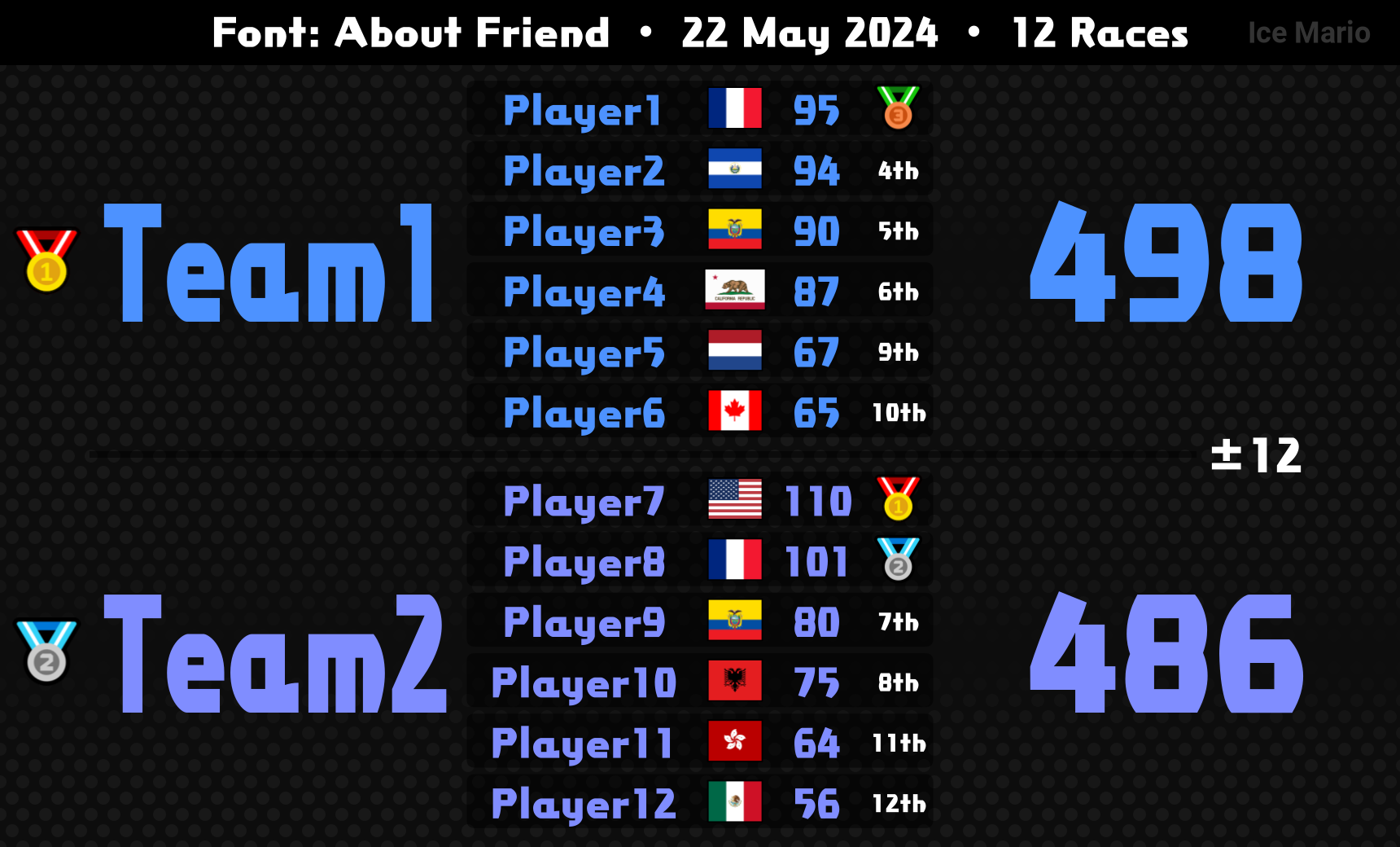
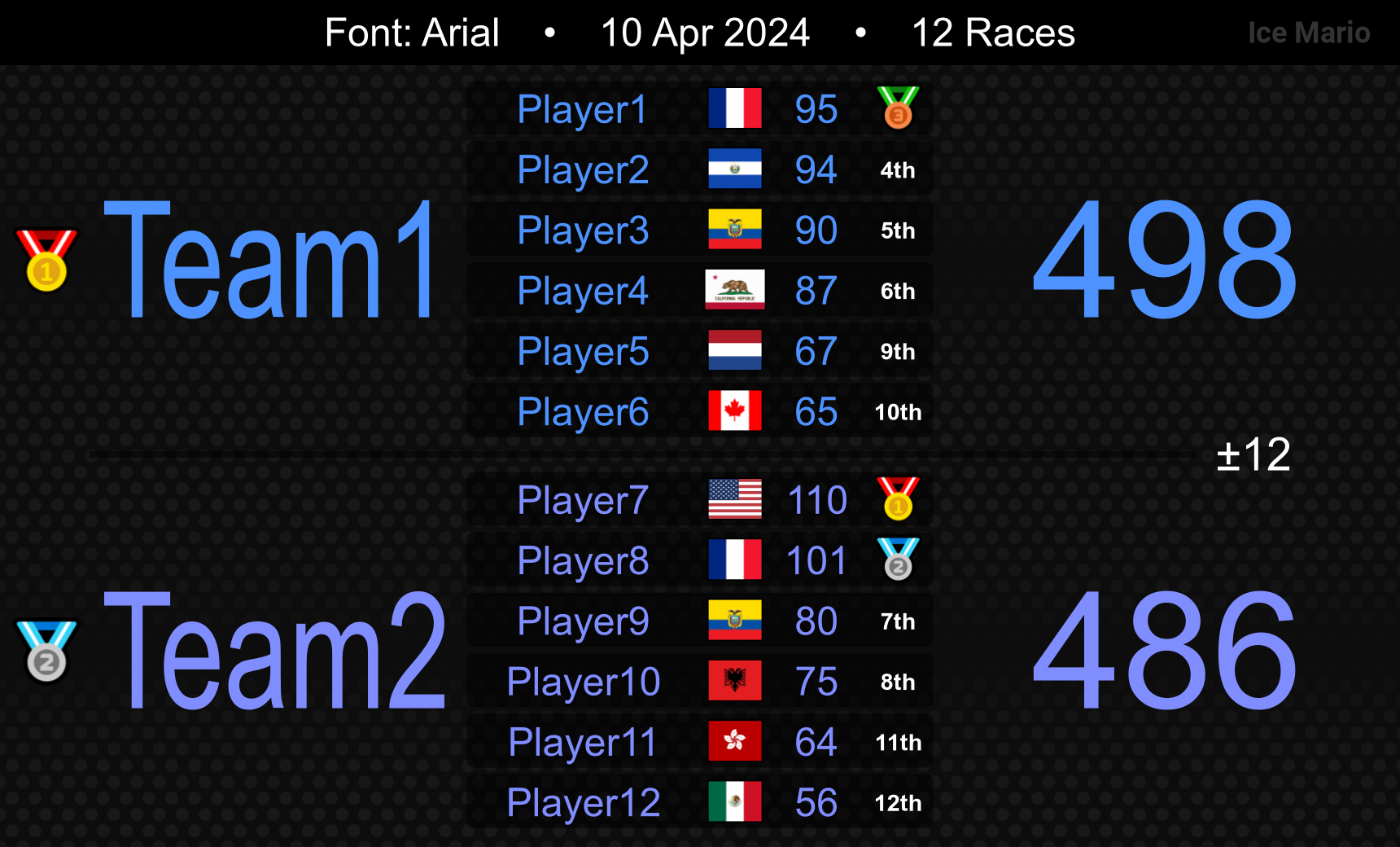
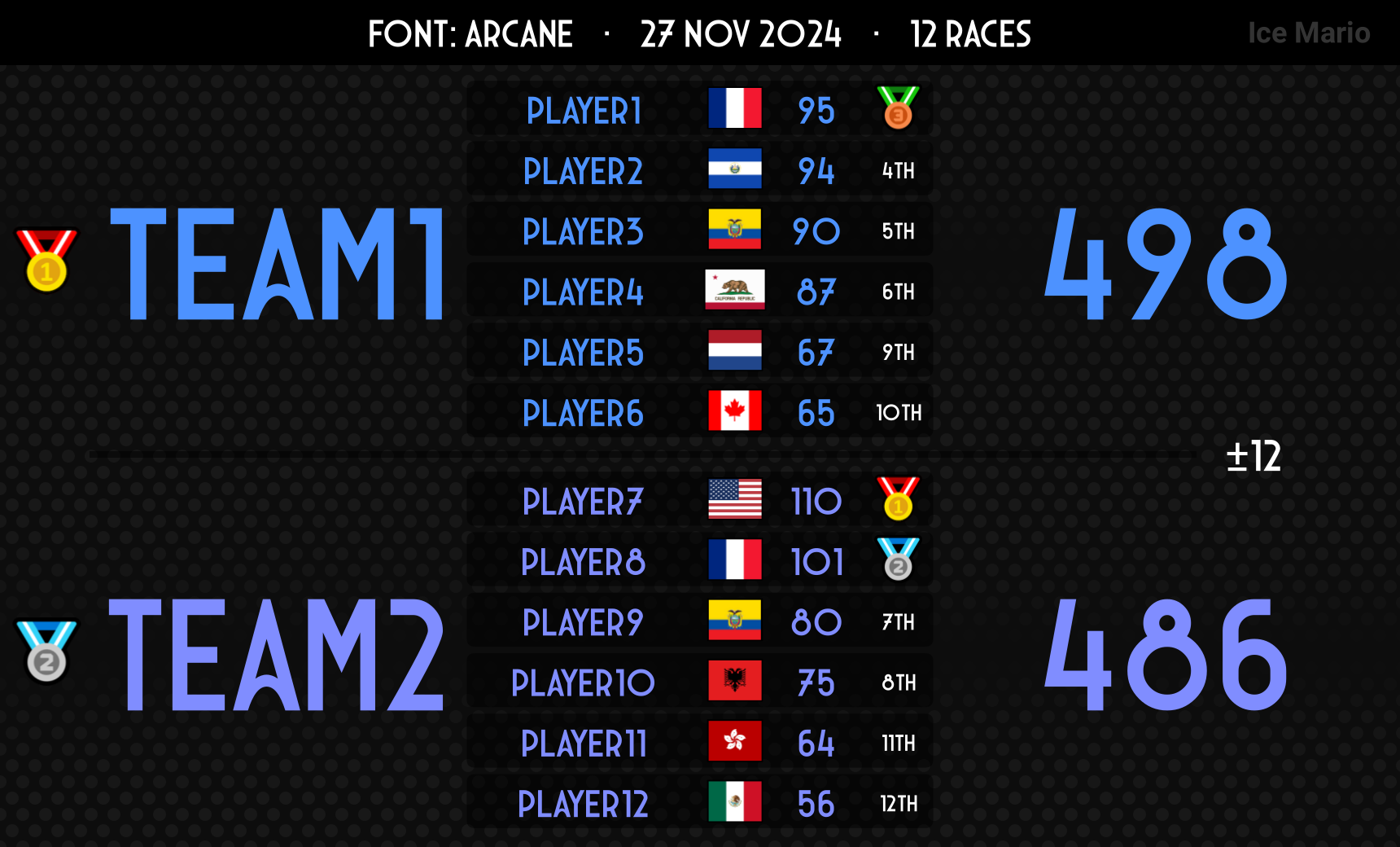
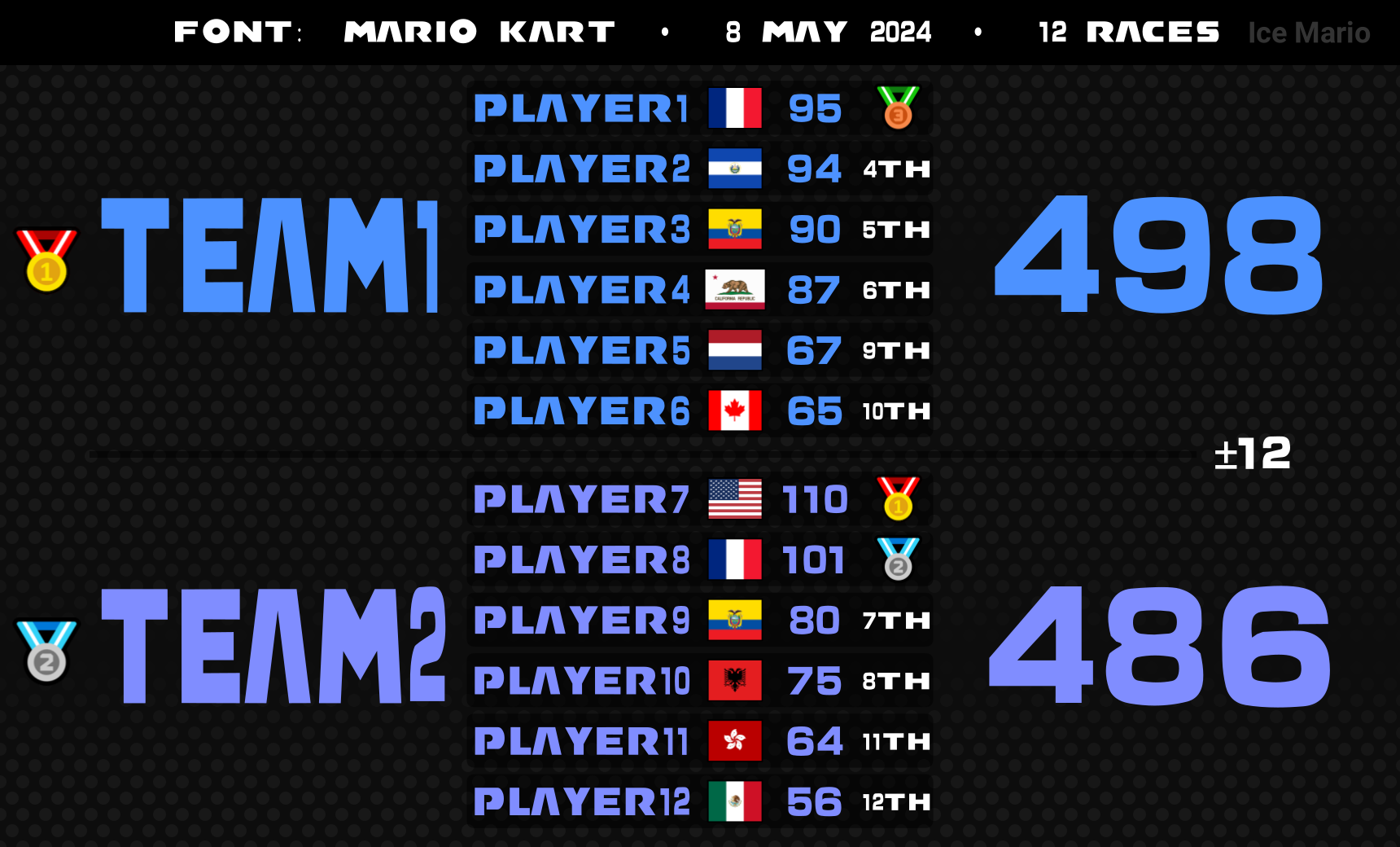
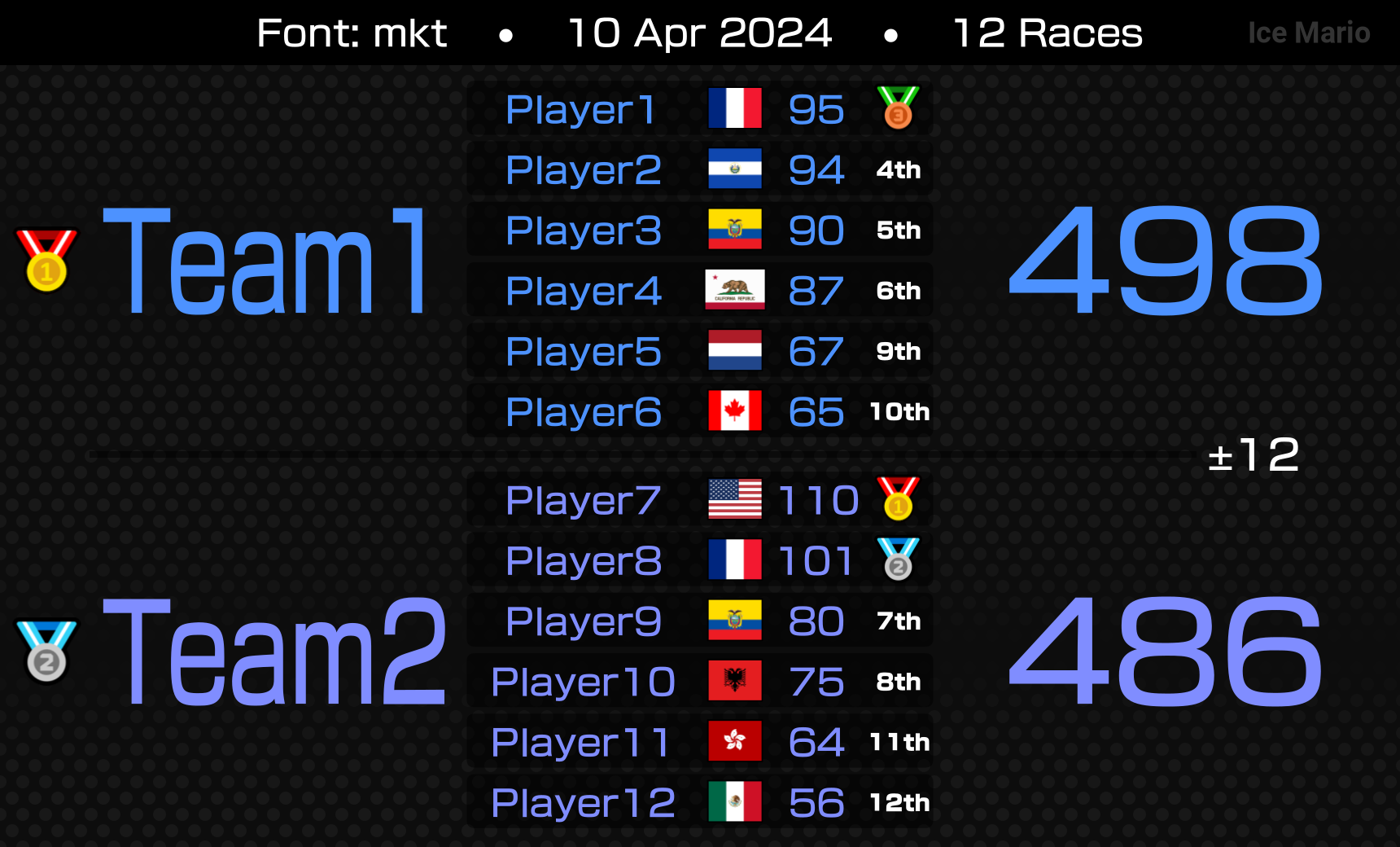
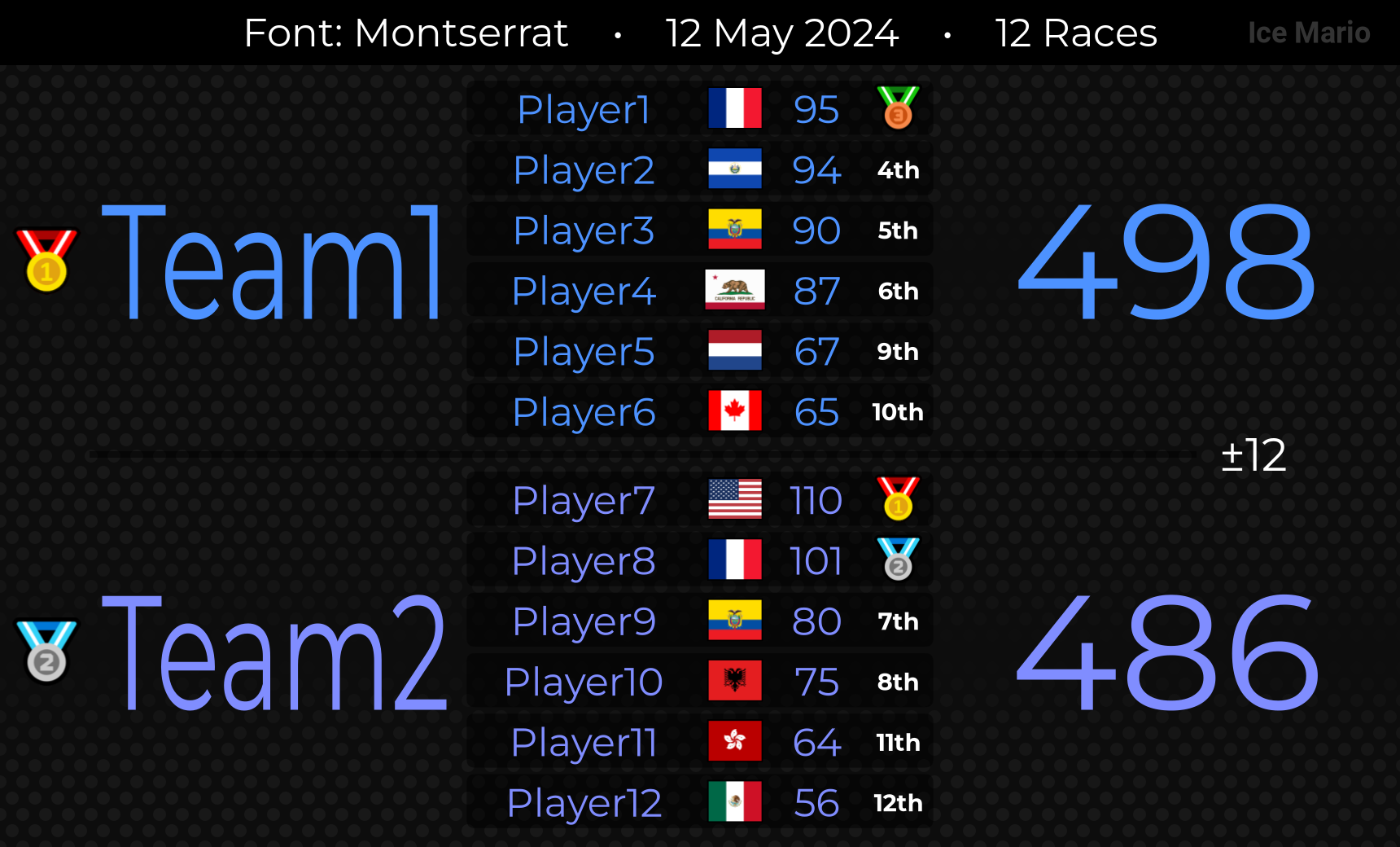
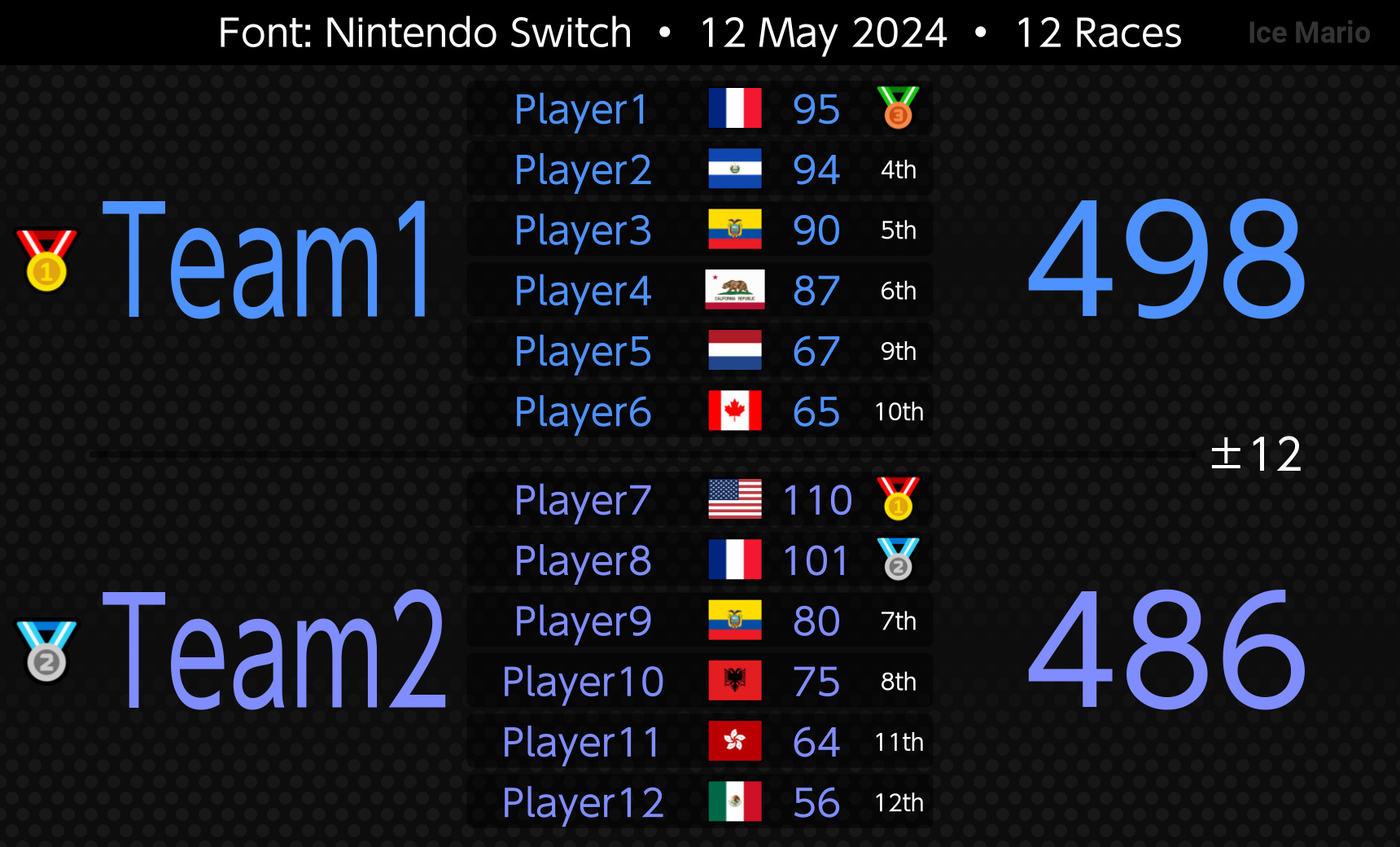
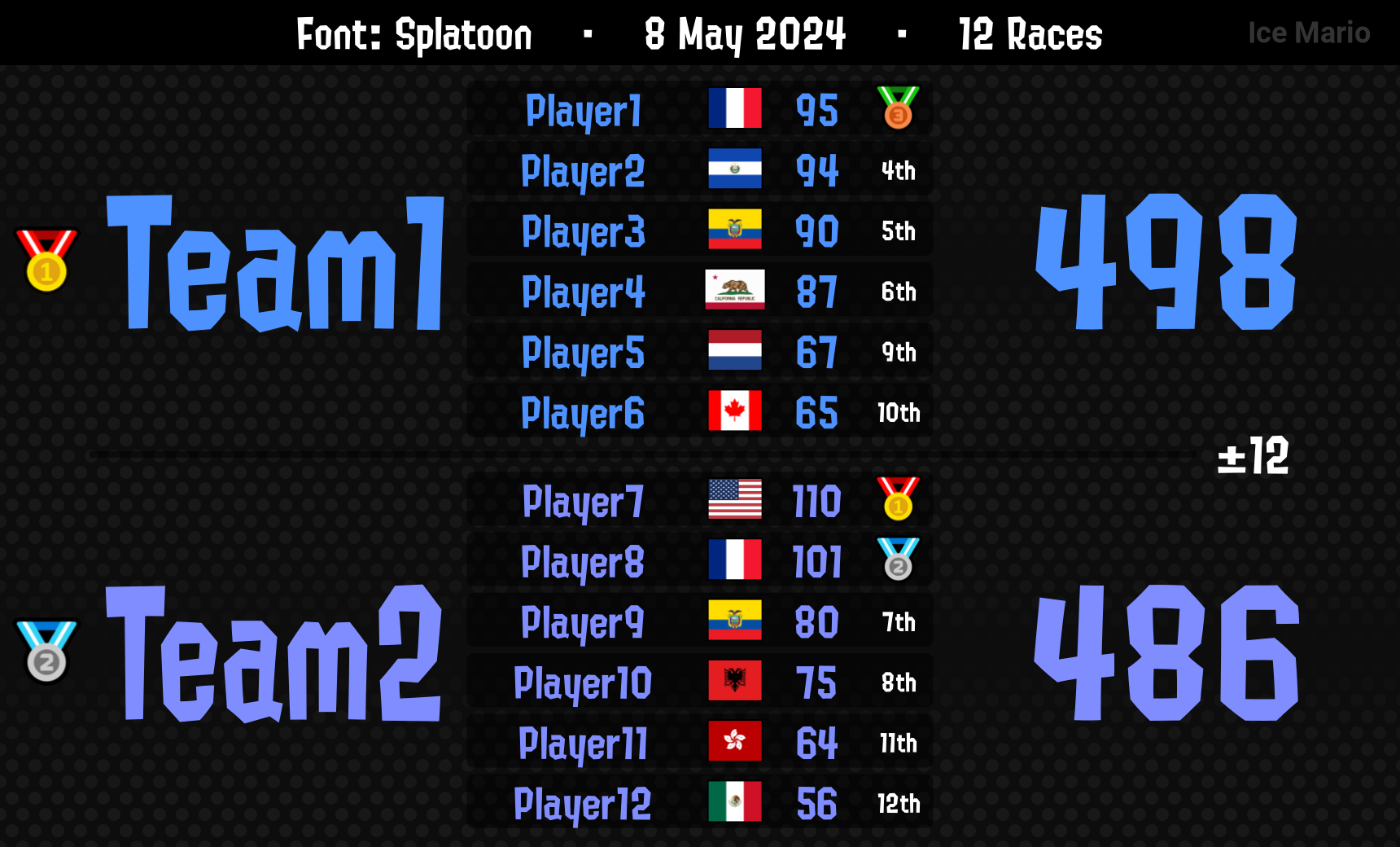
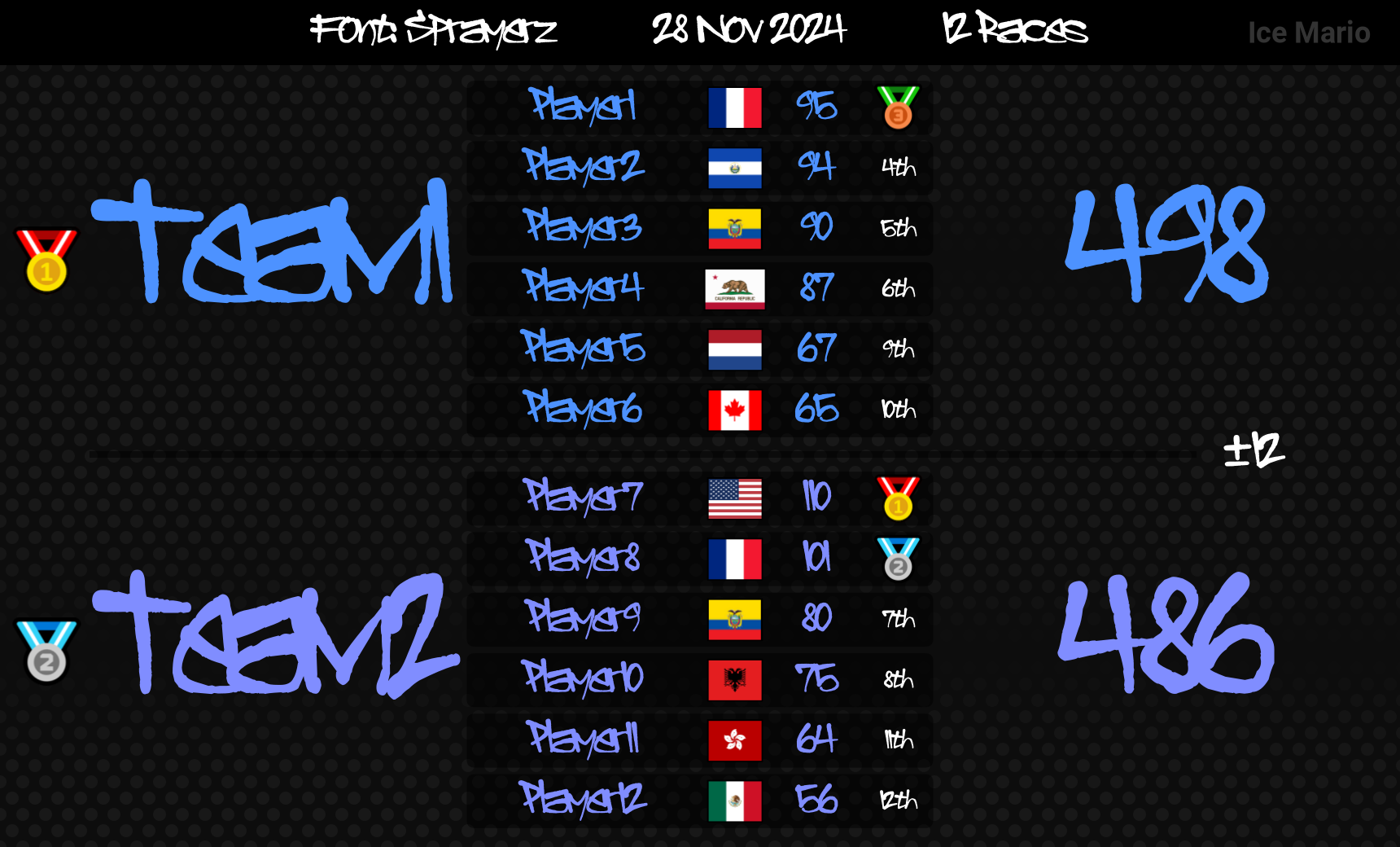
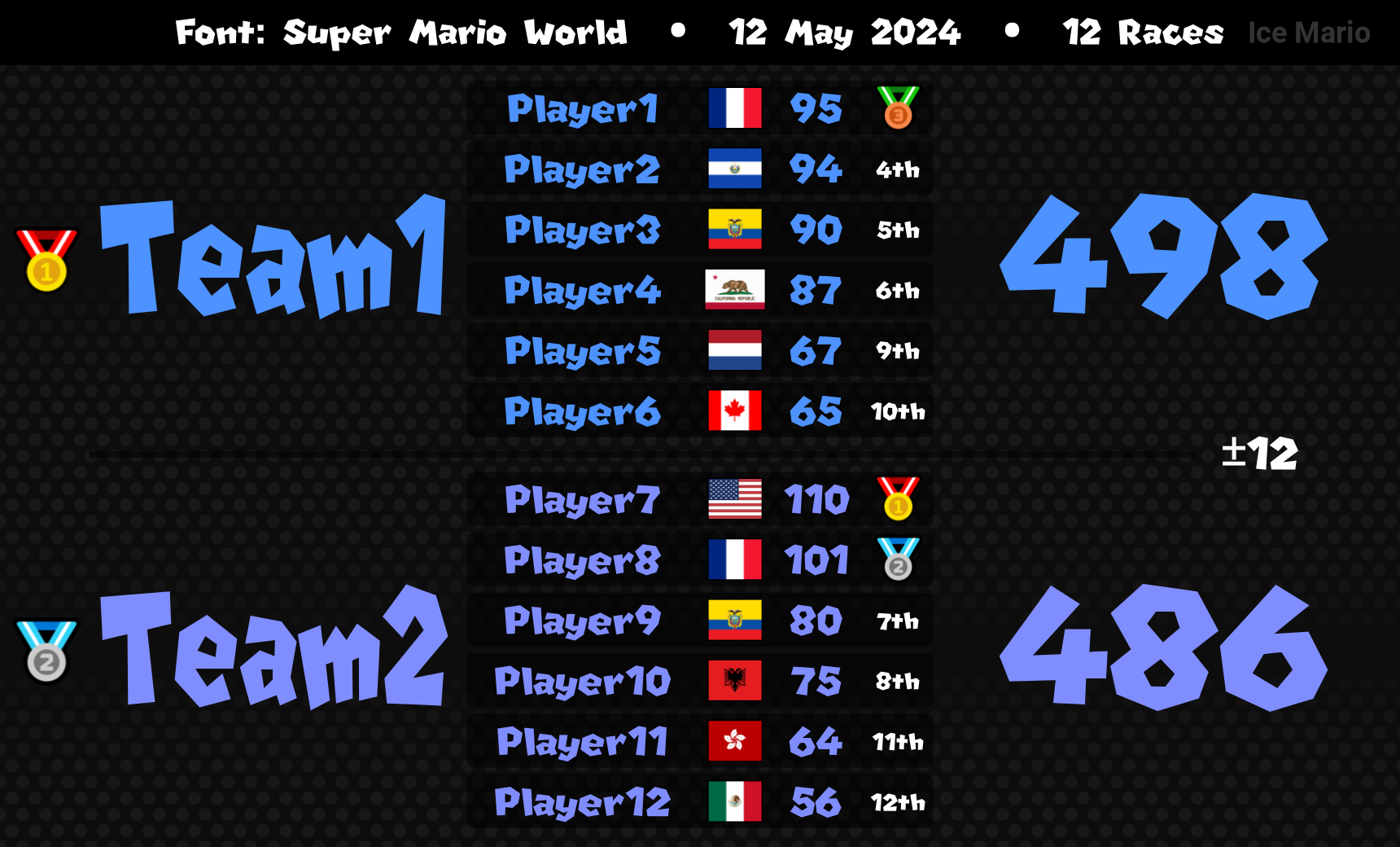
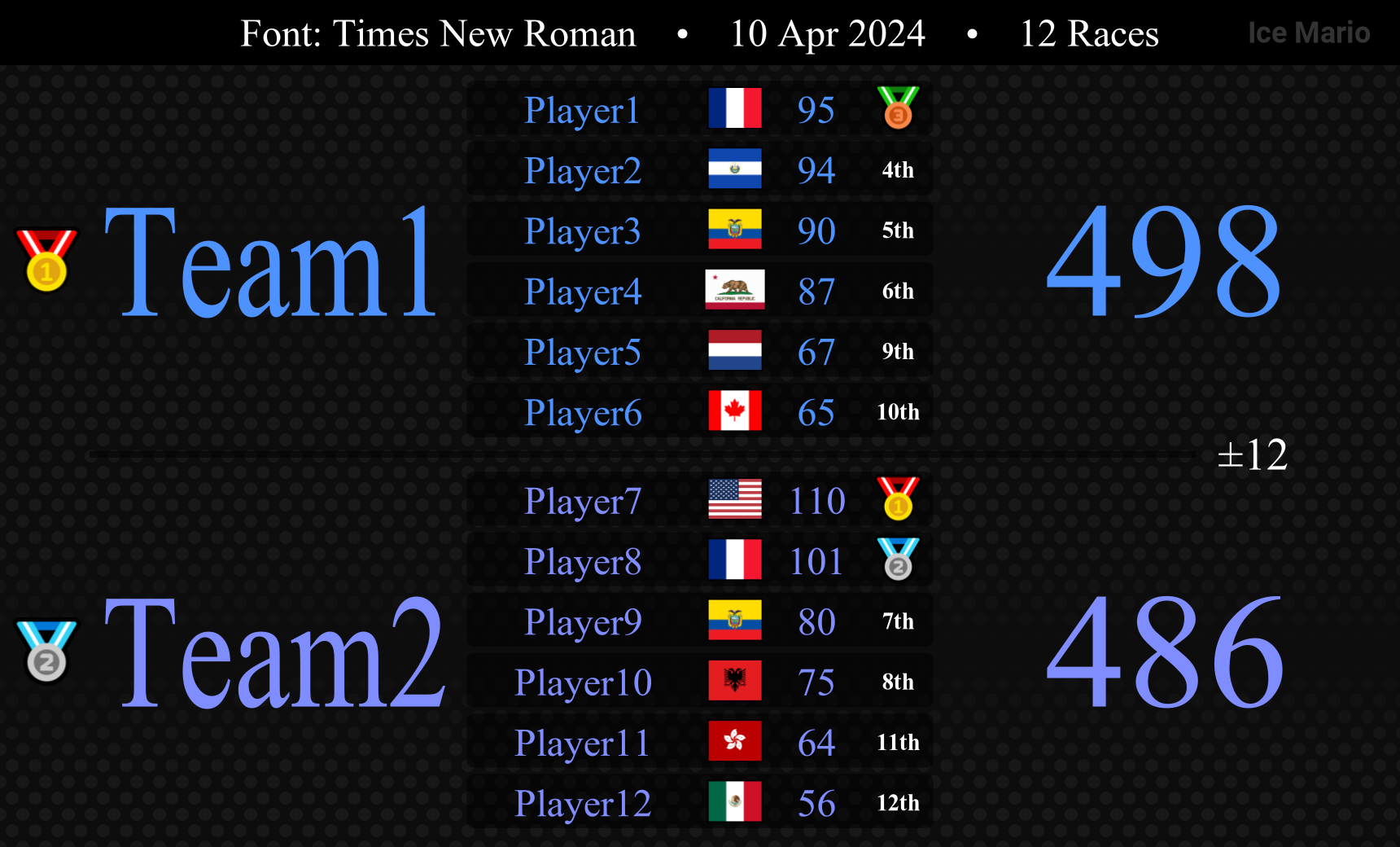
Here is a list of the available fonts. Additional fonts can be requested by DM or by joining our support server!
- *Roboto (default)
- About Friend (or af)
- *Arial
- Arcane
- Bahnschrift
- Cormorant Infant (or ci)
- *Courier New (or cn)
- *Georgia
- *Gotham
- Mario Kart (or mk)
- *MKT
- *Montserrat
- Nintendo Switch (or ns)
- Paris24
- *Perpetua Titling MT (or ptmt)
- Real Madrid (or rm)
- Rubik Mono One (or rmo)
- Splatoon
- Sprayerz
- Super Mario World (or smw)
- *Times New Roman (or tnr)
*Font supports bold
Some fonts allow an abbreviated form. For example, #font times new roman and #font tnr, will both yield the same results.
For eligible fonts, add bold to the end of the line, like #font roboto bold to make it bold.
The list below shows all the available font options. Higher level options will override lower level ones.
- Level 1
#font: The default font for all text.- Level 2
#fontheader/#fonth: Apply only to the header.#fontseparator/#fontsep: Apply only to the clan separator (the +/- text between clans).#fonttag/#fontt: Apply only to the team's tag, or both tag and full team name if#fontnameis not specified.#fontname/#fontn: Apply only to the team's name, or both tag and full team name if#fonttagis not specified.#fontplayer/#fontp: Apply to the players' name, scores, and rank.#fontscore/#fonts: Apply to the players' scores and total clan score.#fontrank/#fontr: Apply to the players' rank and clan's rank.- Level 3
#fontplayername/#fontpn: Apply only to the players' name.#fontplayerscore/#fontps: Apply only to the players' scores.#fontplayerrank/#fontpr: Apply only to the players' rank.#fontclanscore/#fontcs: Apply only to the clan's total score.#fontclanrank/#fontcr: Apply only to the clan's rank.
All the font options, except for #fontheader and #fontseparator can be applied either globally (to the full table) or only to a specific clan.
Take the example below:
!table
 #font smw
 #fontplayer splatoon
 Team1
 #font paris24
 #fontclanscore gotham bold
 Player1 [] 10
 Player2 [] 10
 Team2
 PlayerA [] 10
 ...
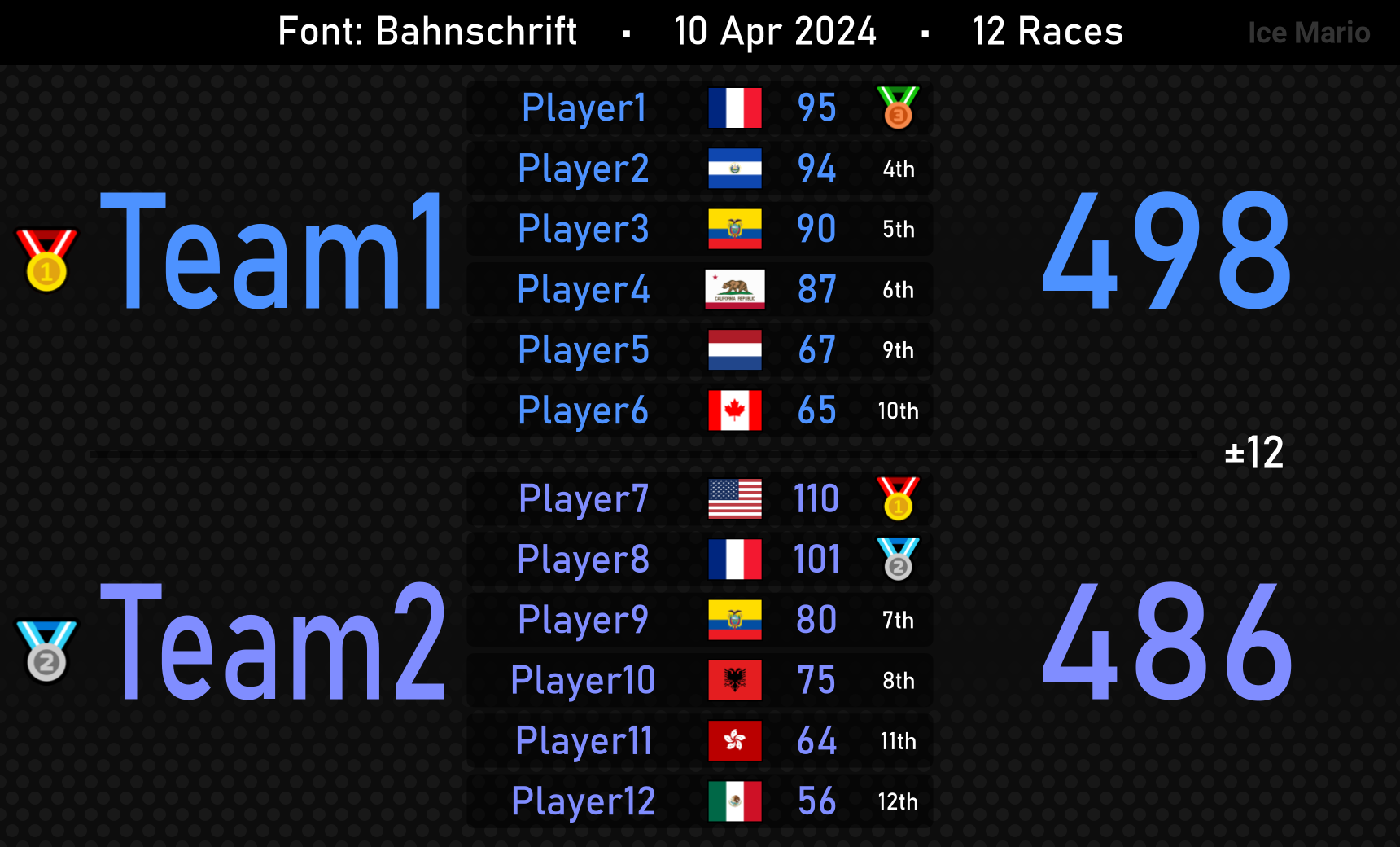
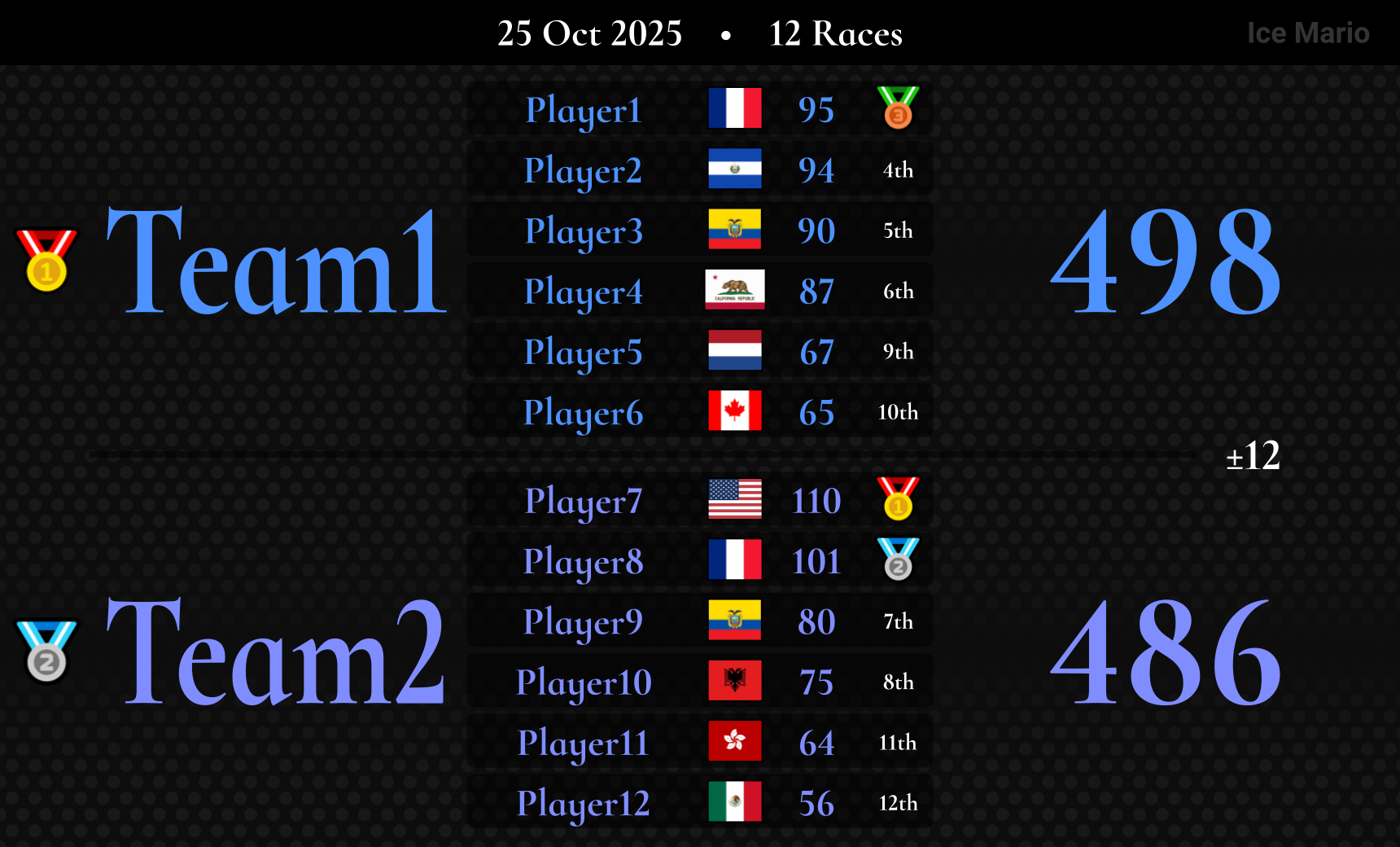
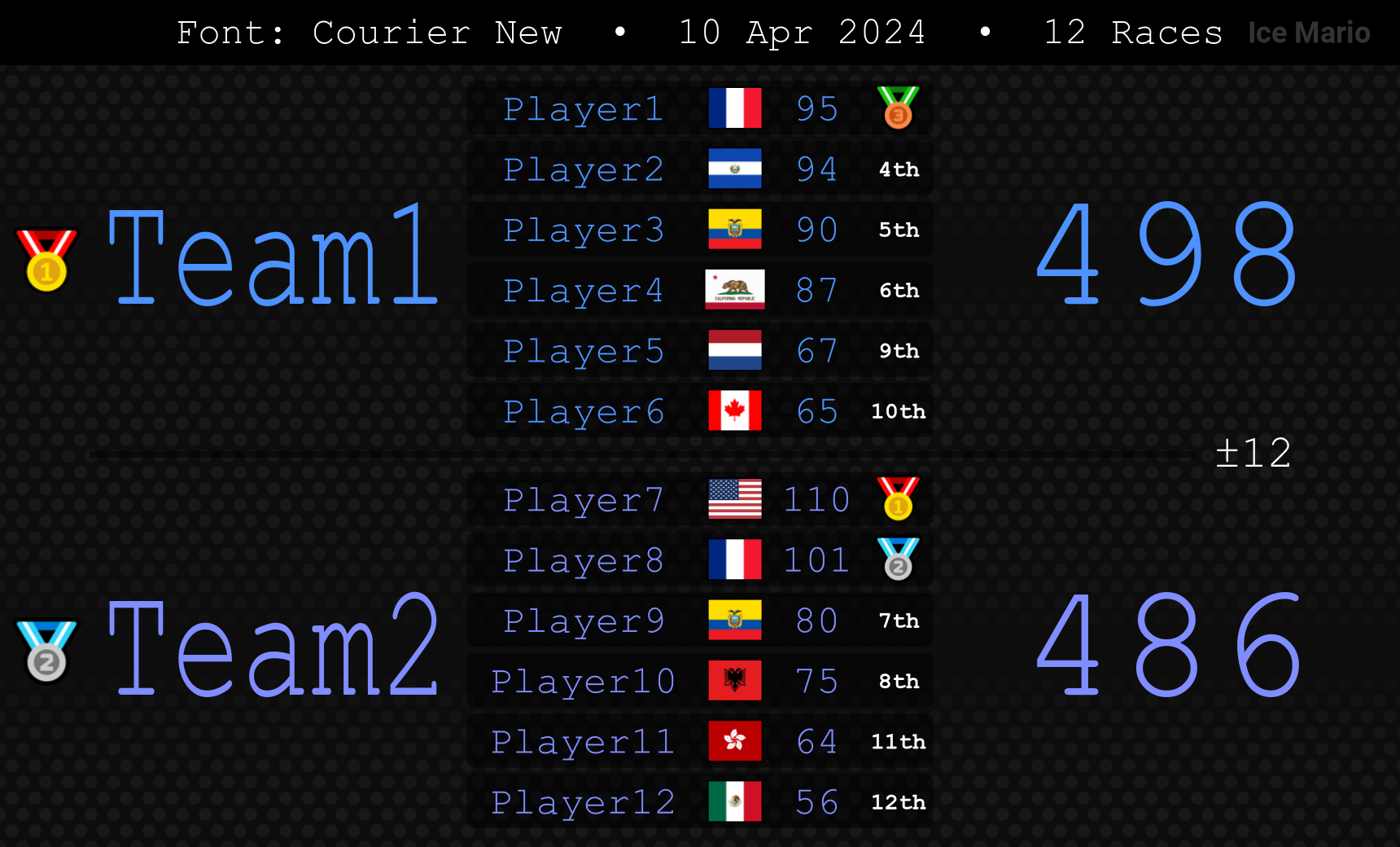

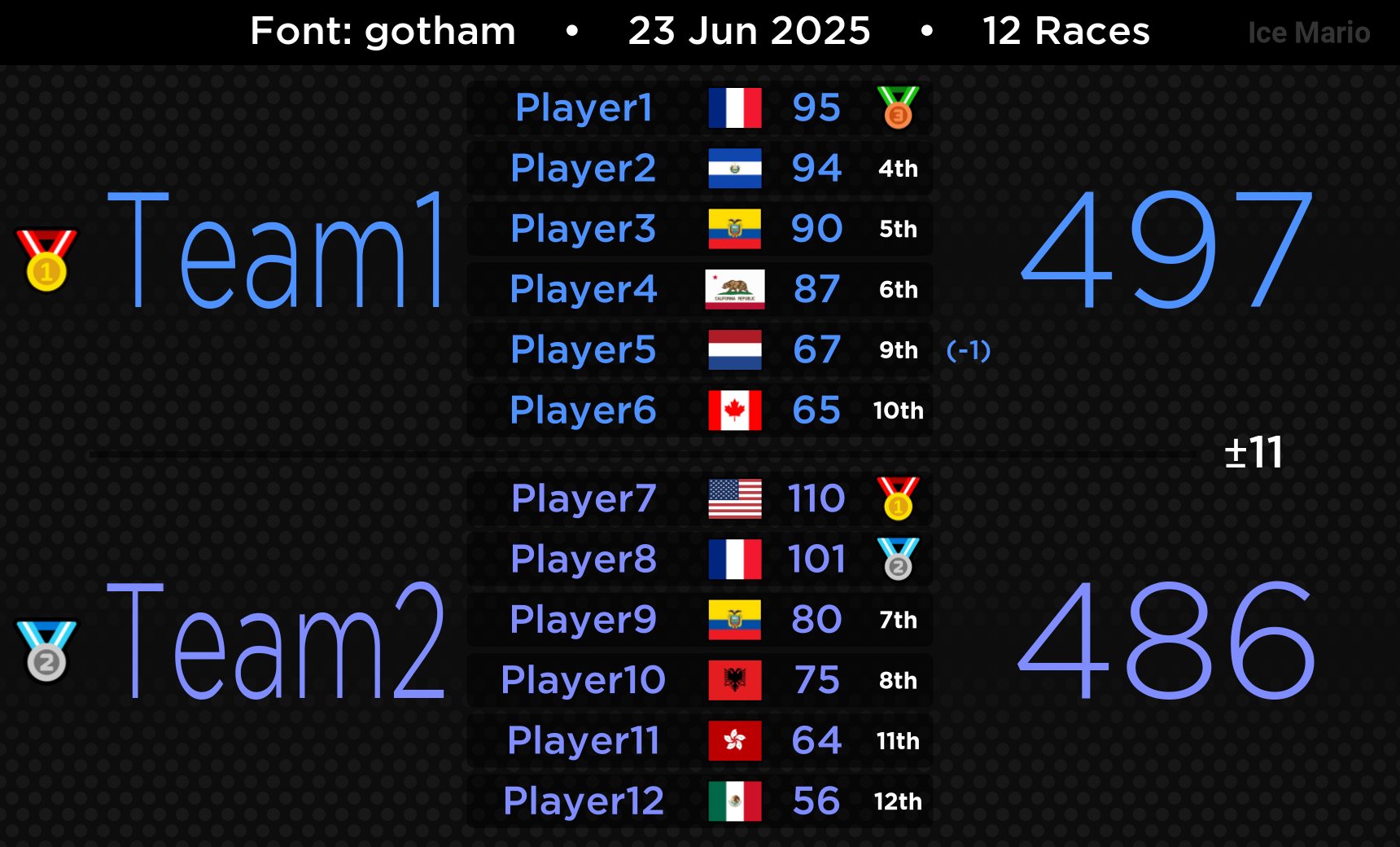
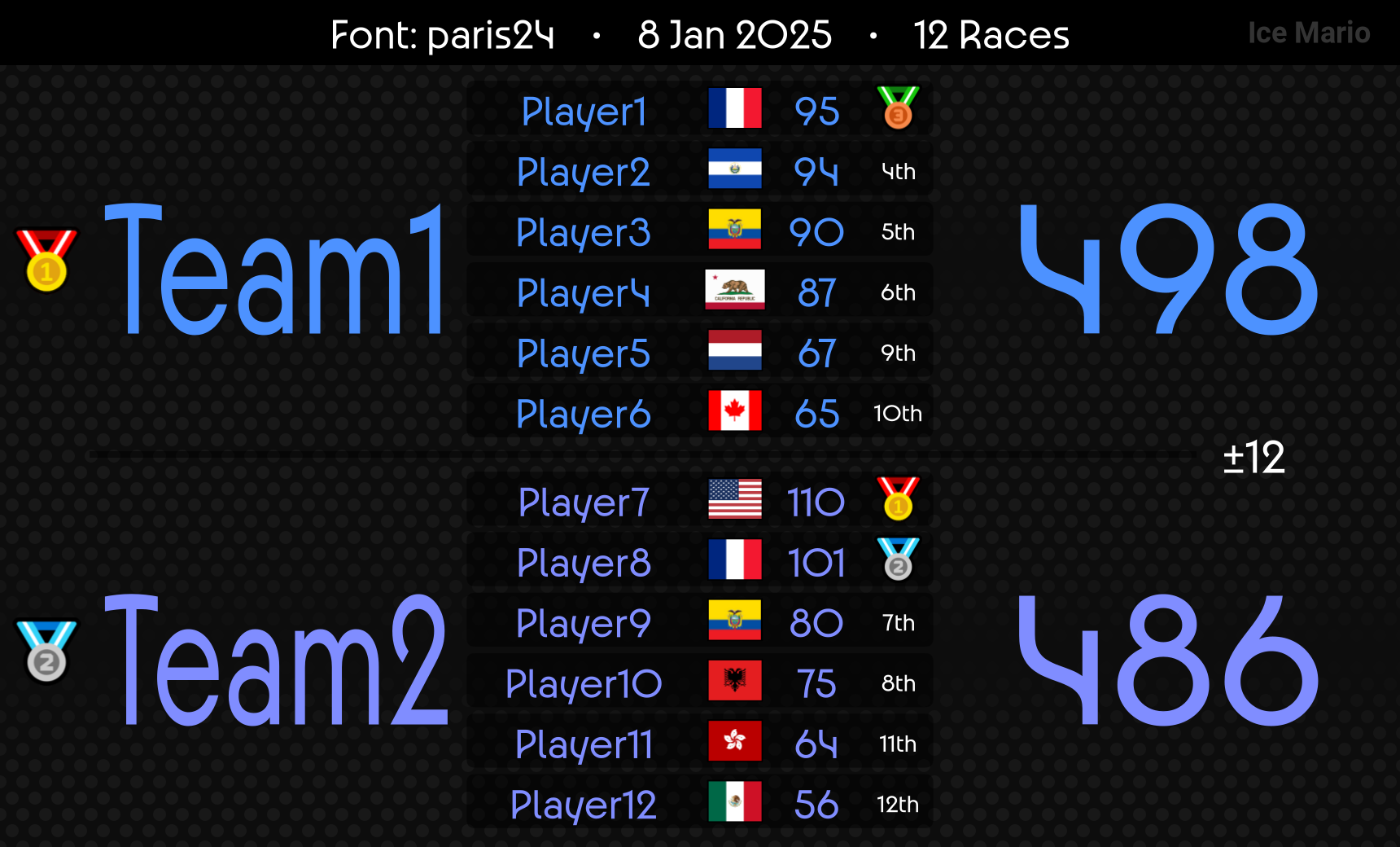
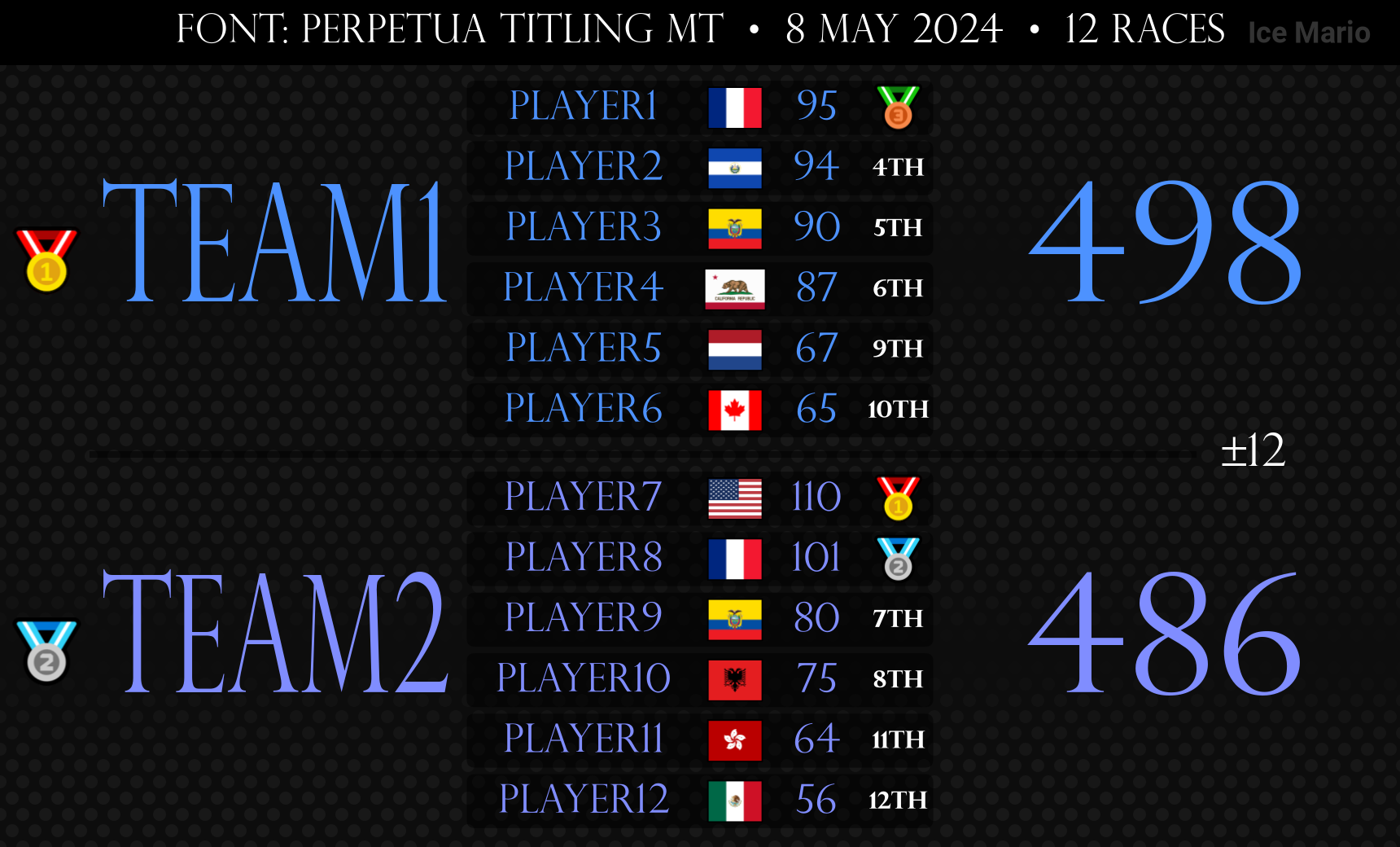
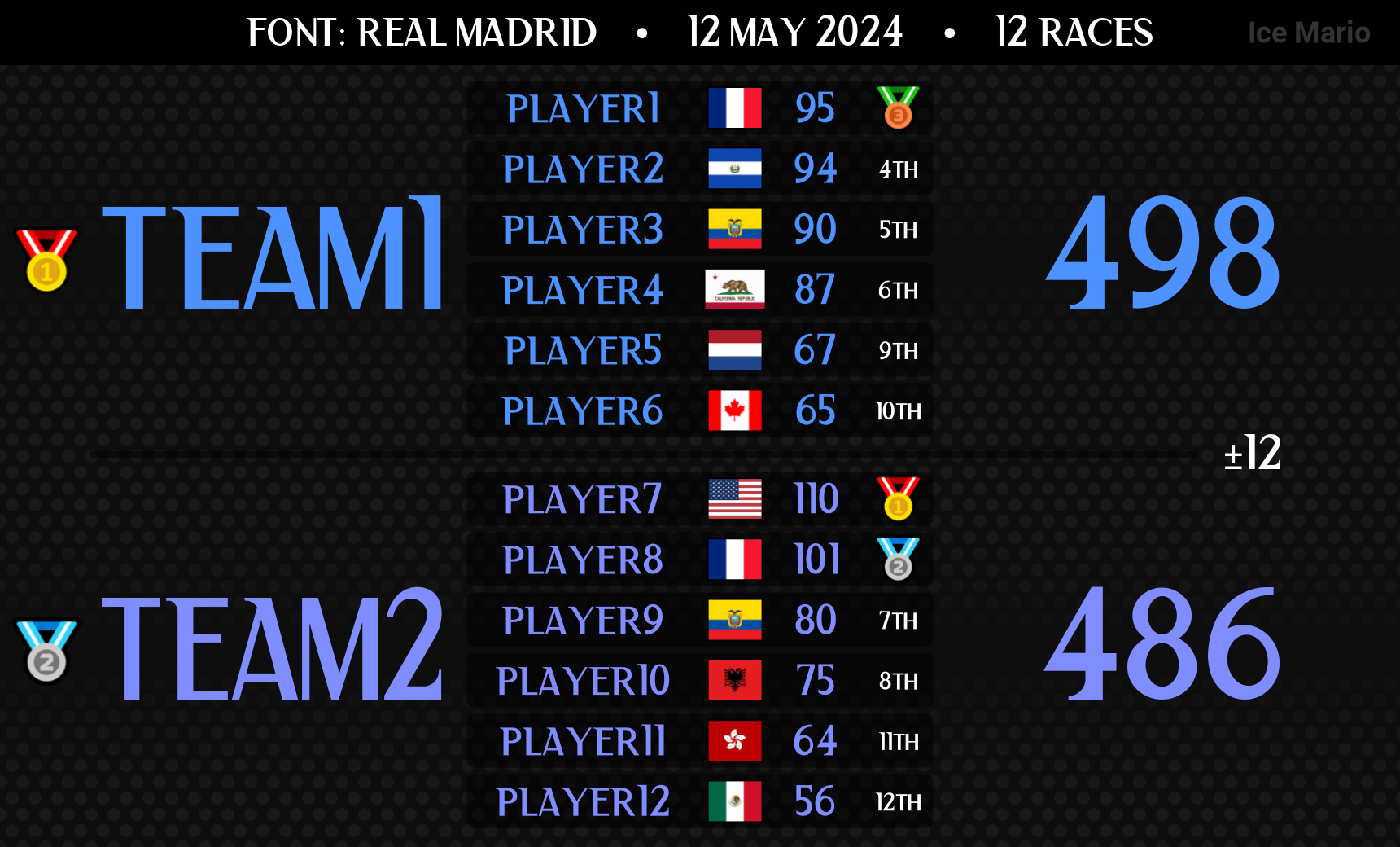
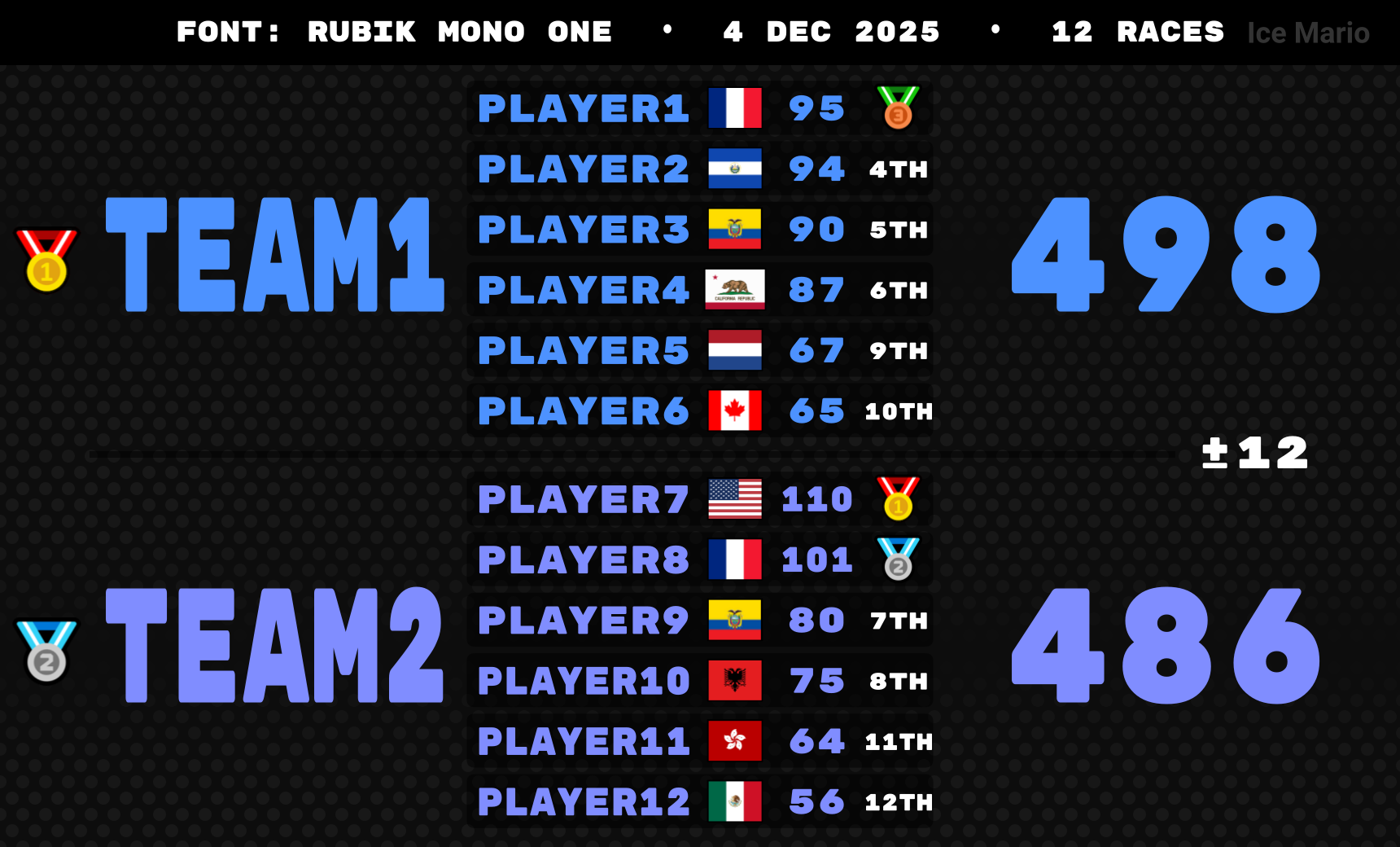
Examples
Tournament Themes
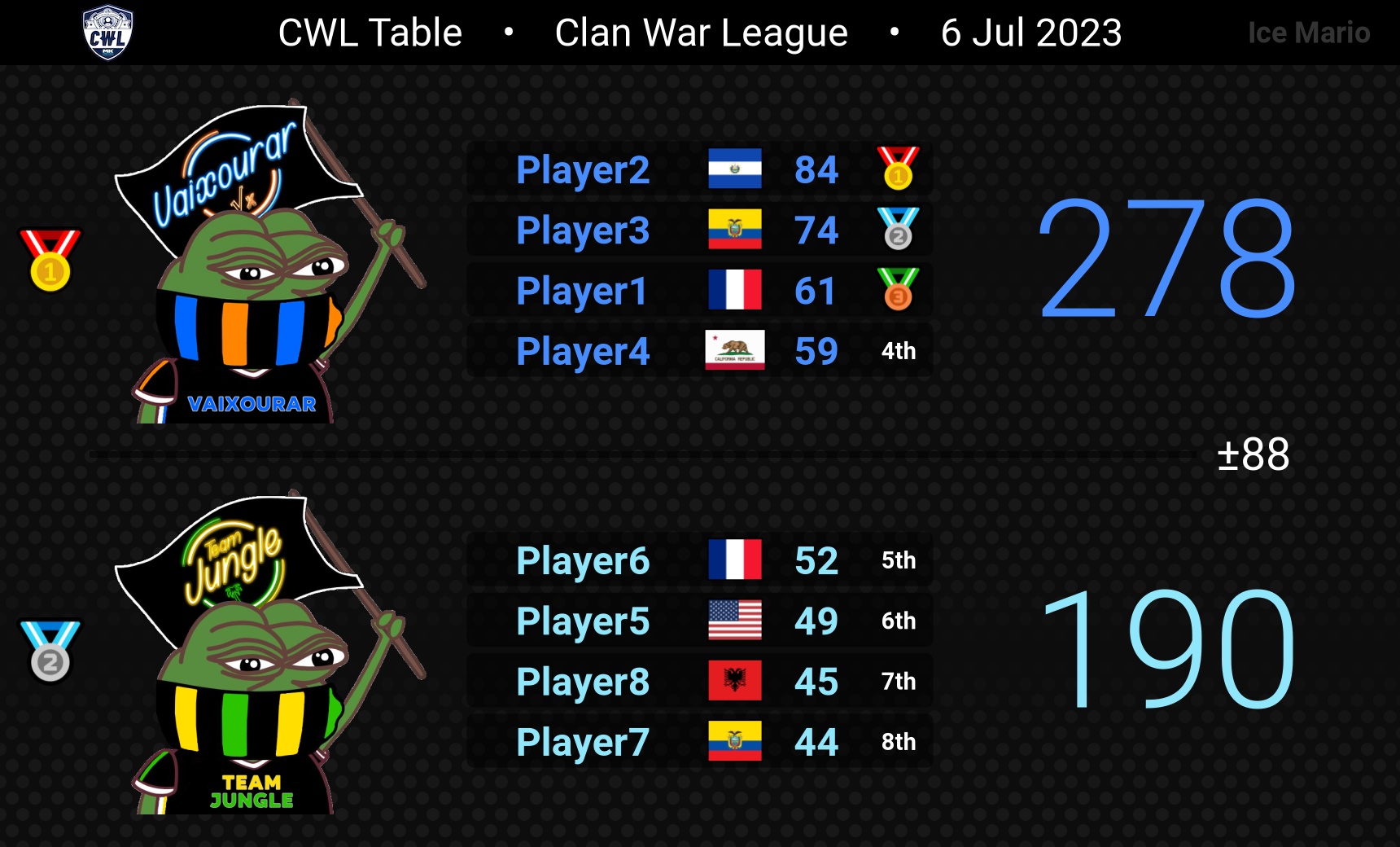
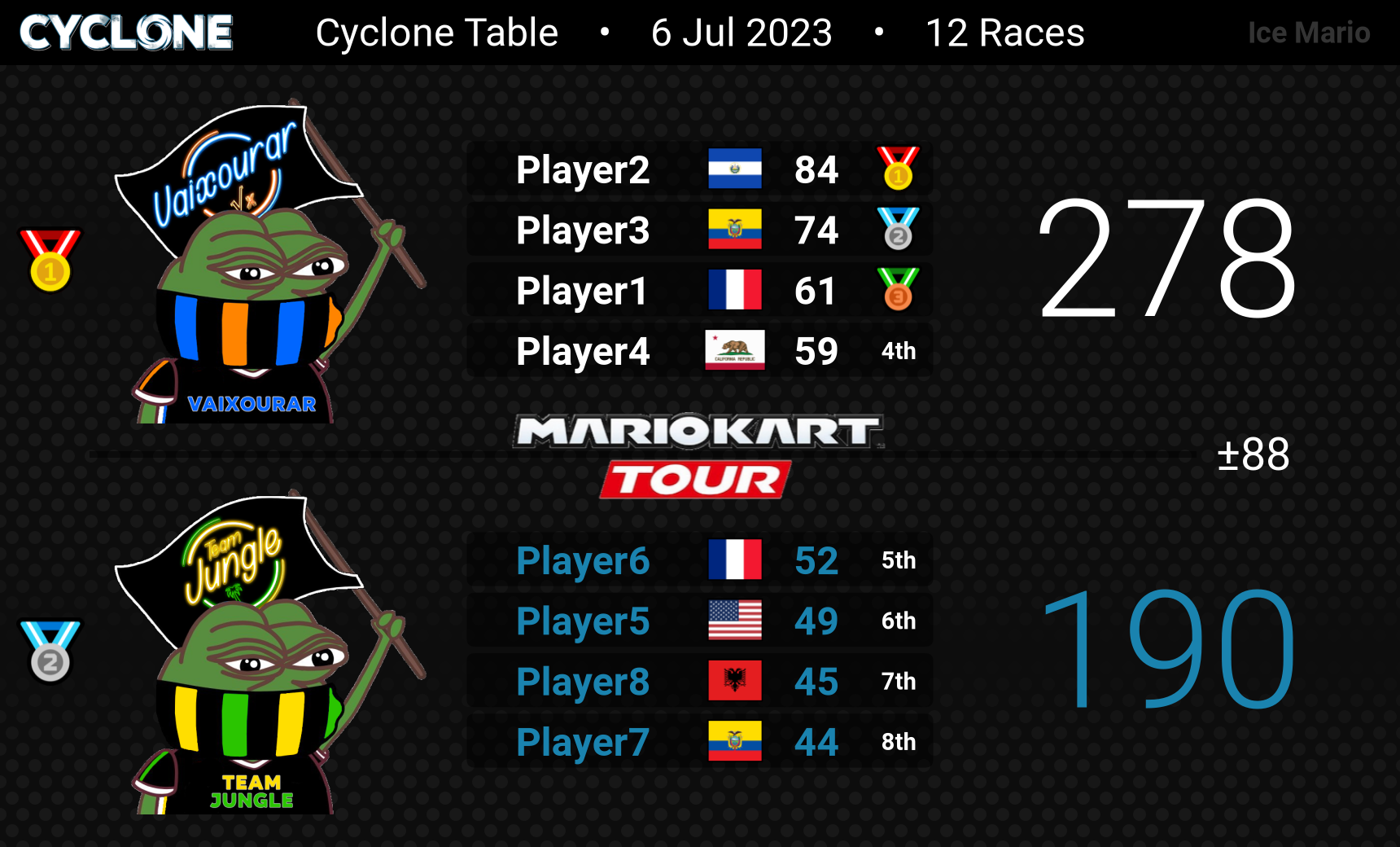
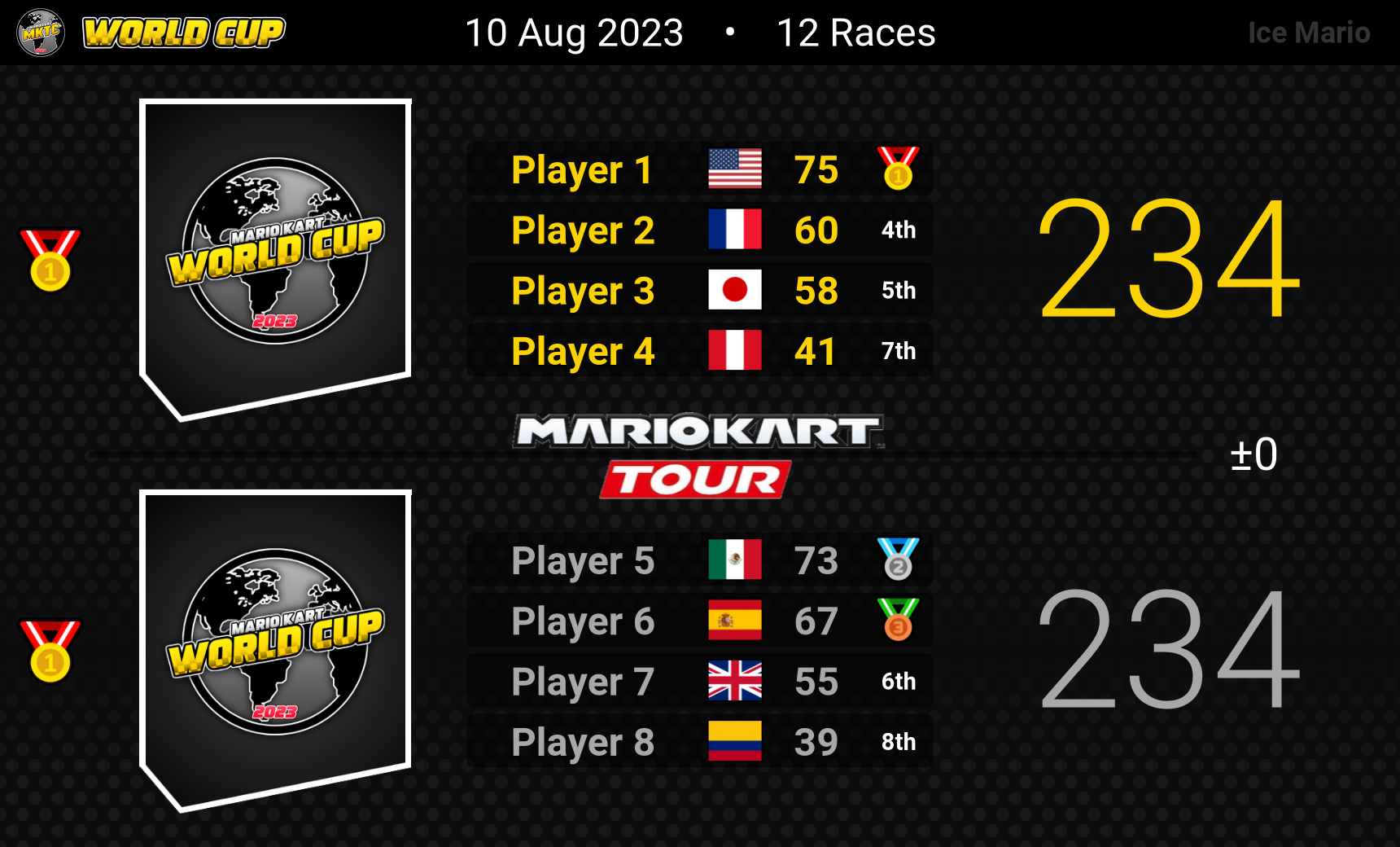
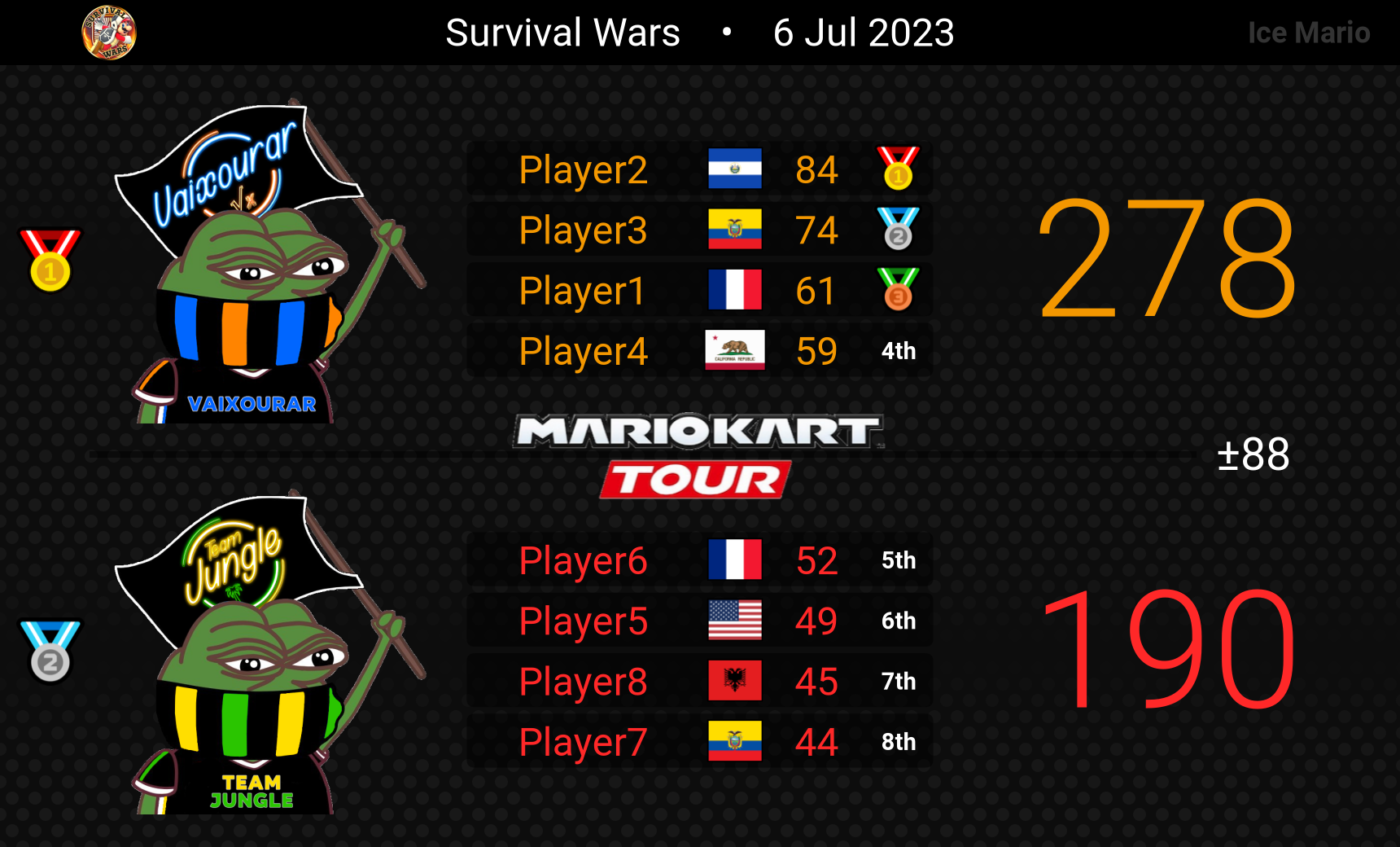

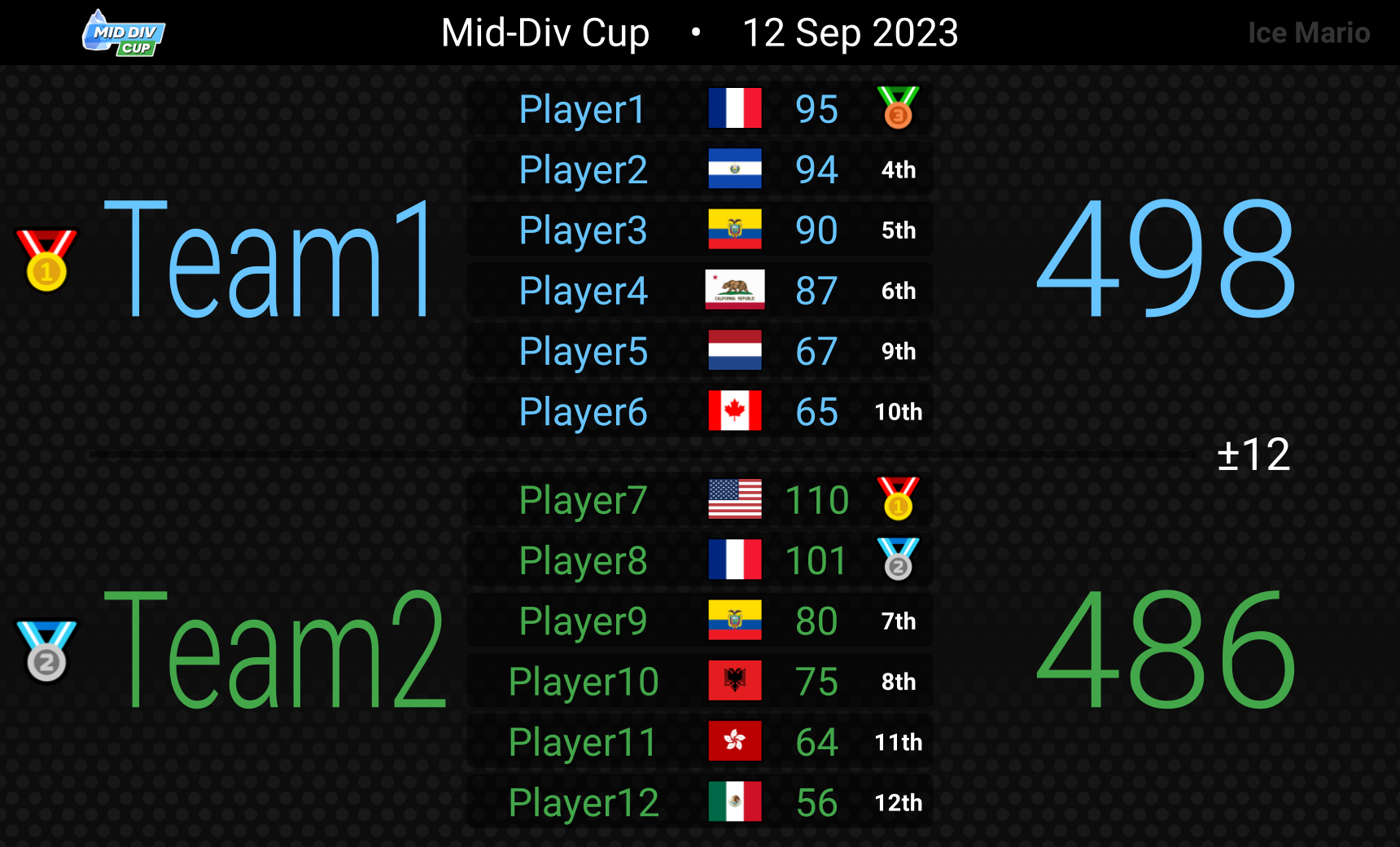
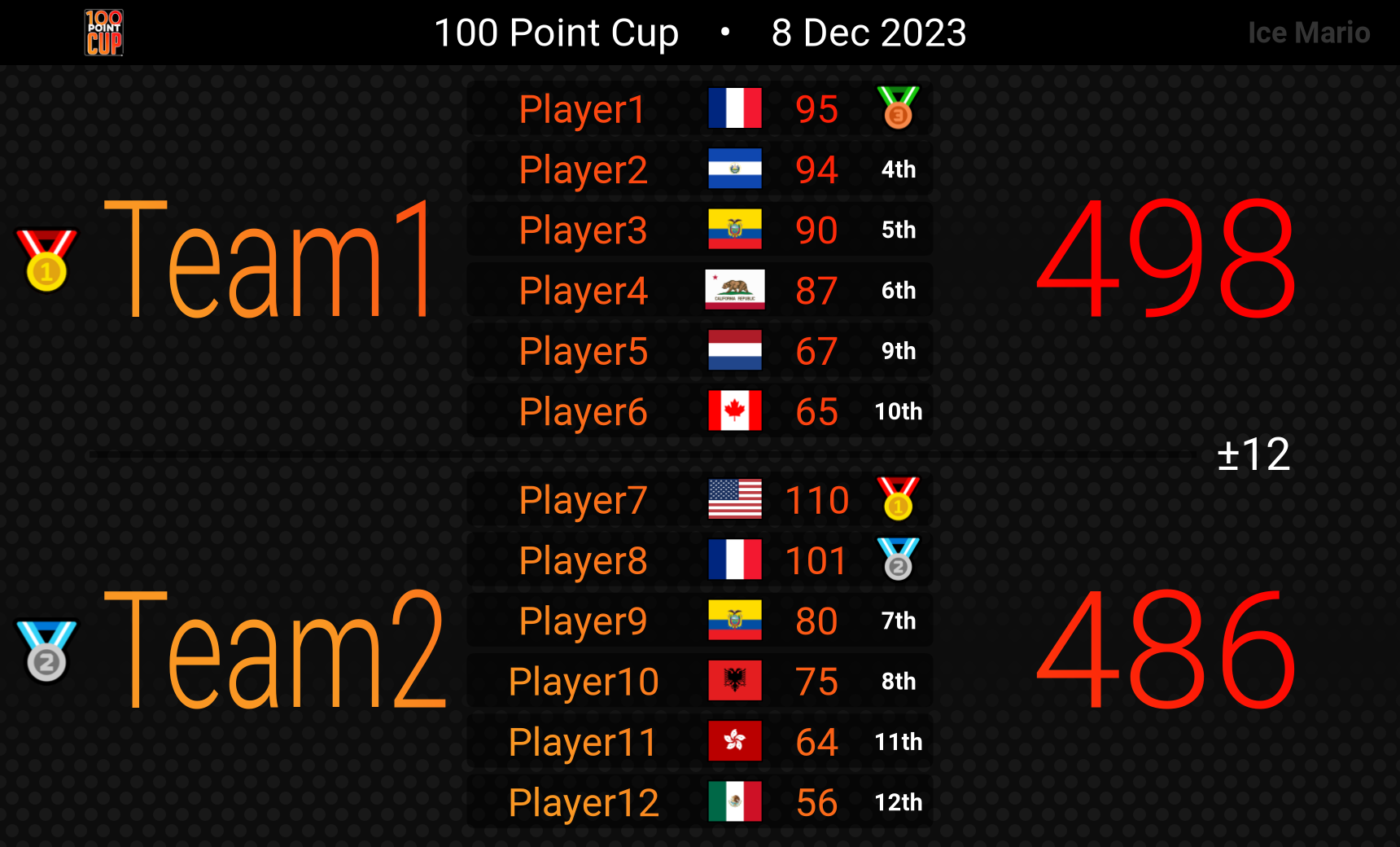
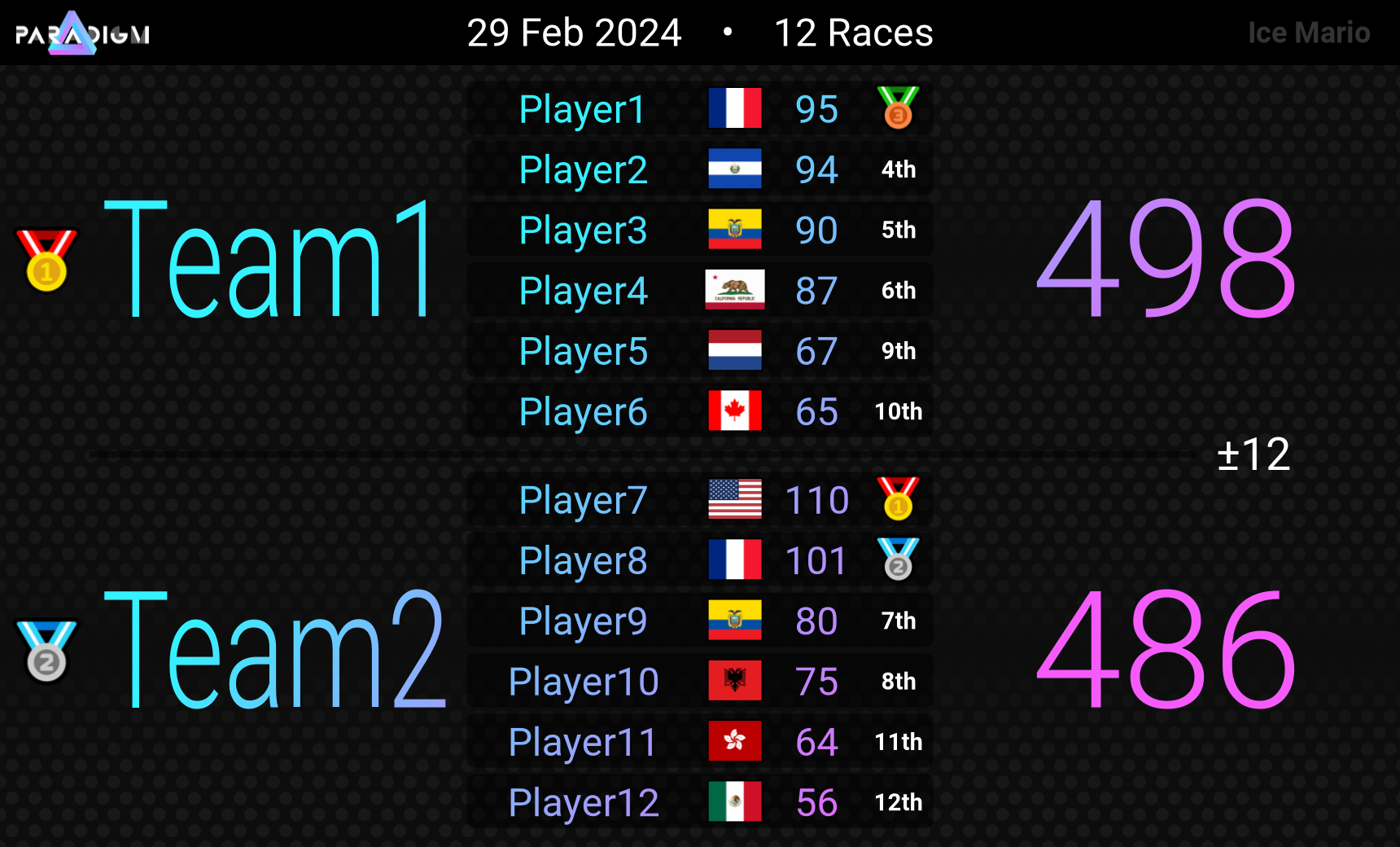
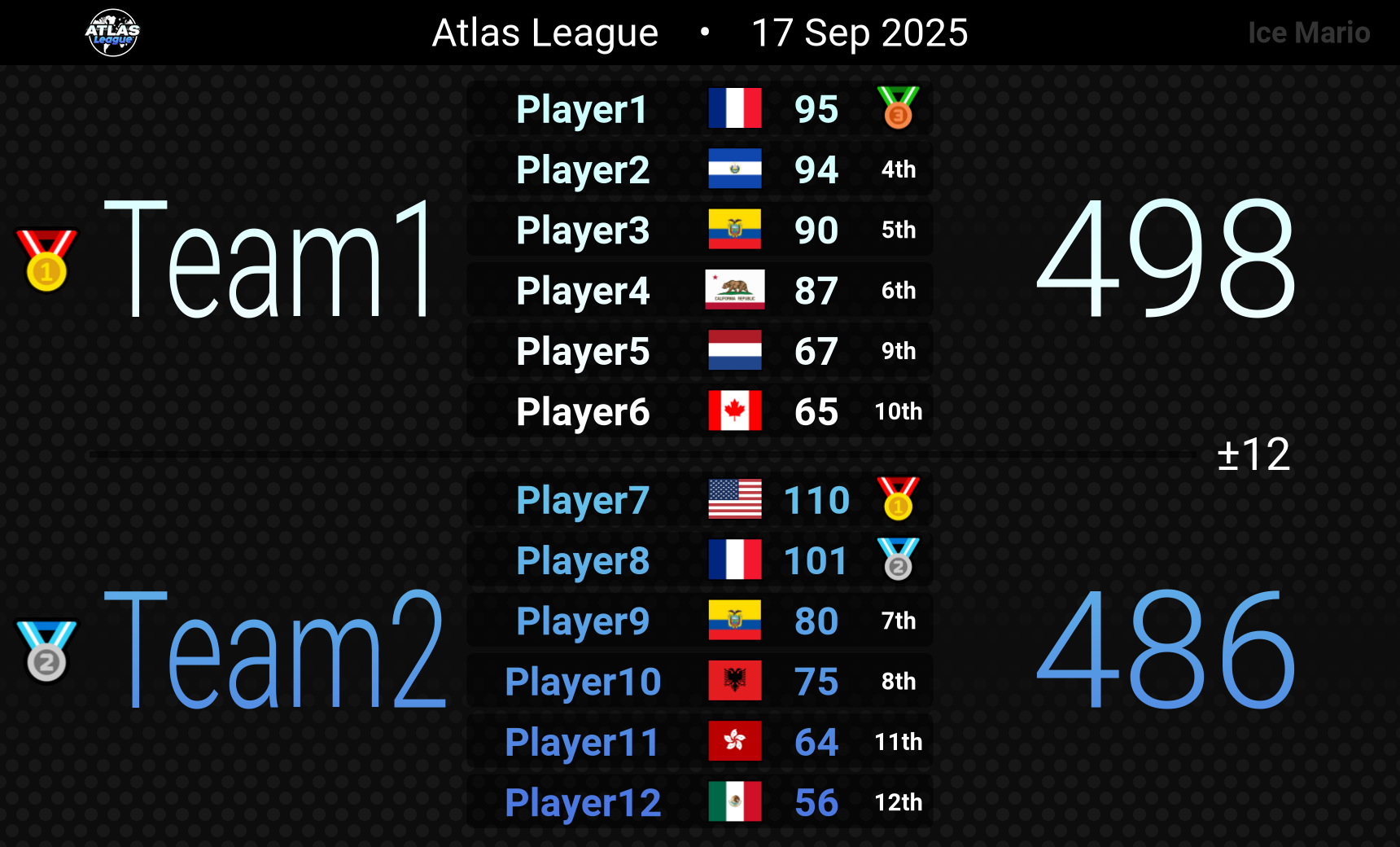
Save Custom Table Settings
Use the following commands to add, remove, get, or list table settings. These settings are saved to your server, so they cannot be used in other servers.
!tablesettingsadd name messageLink
!tsa
name: The name for the settings. Must be one word with no spaces.
messageLink: The Discord link to the !table command.
Add a new custom table setting. This will save the settings from the table command referenced in the messageLink argument.
Here is an example of saving a table style called mystyle:
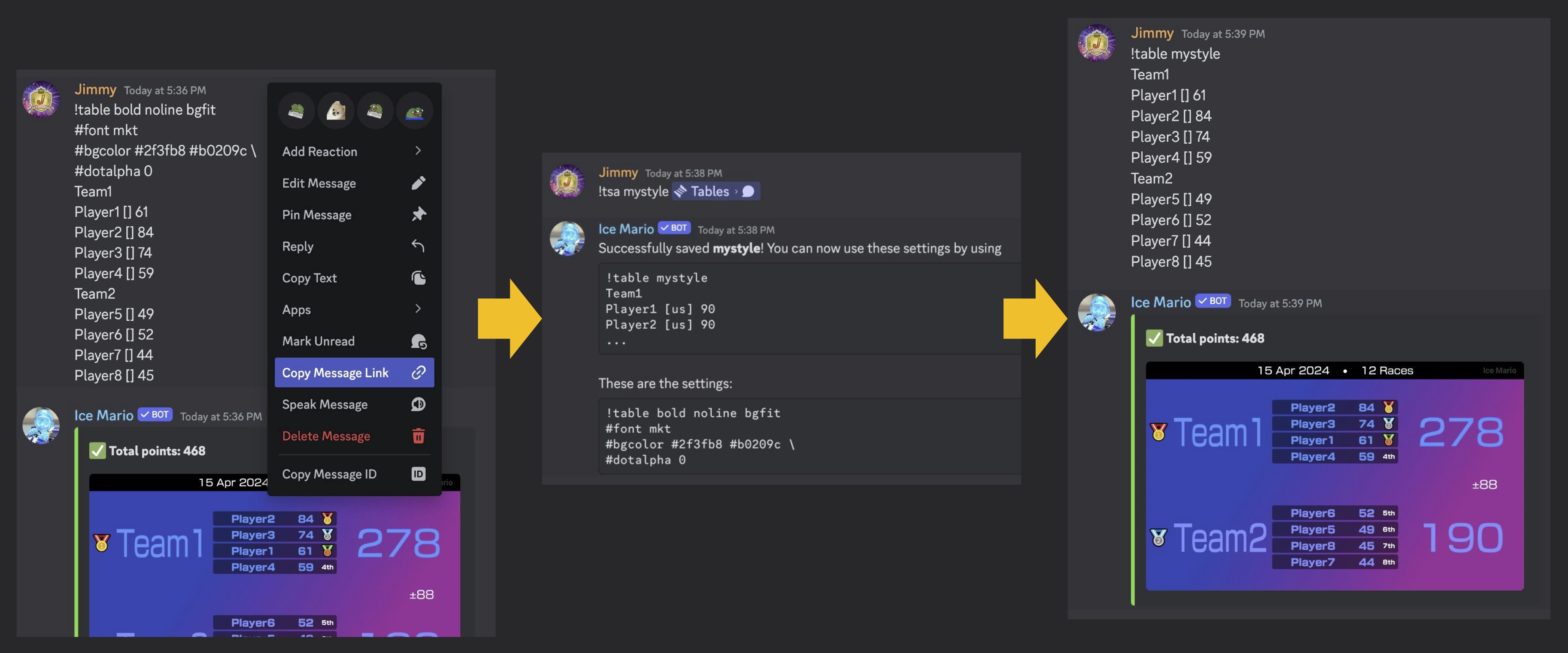
A few notes:
- This will save the background image if one was provided, either with #bg or as an attachment!
- All icons will also be saved!
- If #date was used in the original table command, it will NOT be saved.
- Specific team colors (where you add a color to the right of a team) will NOT be saved.
- You can have up to 10 saved table settings per server.
- You can override any saved settings when using
!table.
!tablesettingsremove name
!tsr
name: The name for the settings to remove.
Remove a custom table setting.
!tablesettingsget name
!tsg
name: The name for the settings to get.
Show what the table settings are for name.
!tablesettingslist
!tslList the names of the saved table settings.